Multi-axis toolpaths without support material.
Non-planar, multi-planar and segmented strategies, refined over more than ten years of testing in our R&D Lab in East London.
Aibuild CAM is dedicated robot additive manufacturing software for wire arc additive manufacturing (WAAM) and directed energy deposition (DED). It gives you slicing modes that use the robot’s full range of motion, positioner and weld control, and process parameters built for metal, so toolpaths are repeatable and checked before the build.





Cover the full range of components and use the robot’s degrees of freedom.
More options for printing strategy and more control over the weld.
Tools for the WAAM process, with automatic or pre-defined segmentation.
Map parameters to your geometry, and keep them in parameter libraries and Profiles, so each part is sliced with settings suited to metal.
Vary them through the build to control bead geometry.
Sequencing algorithms order the deposition to minimise thermal gradients and reduce stress.
Machine constraints and tool and positioner control are built in, with full integration for Arc Additive hardware. It also works with TIG, MIG/MAG and other welding and DED equipment.
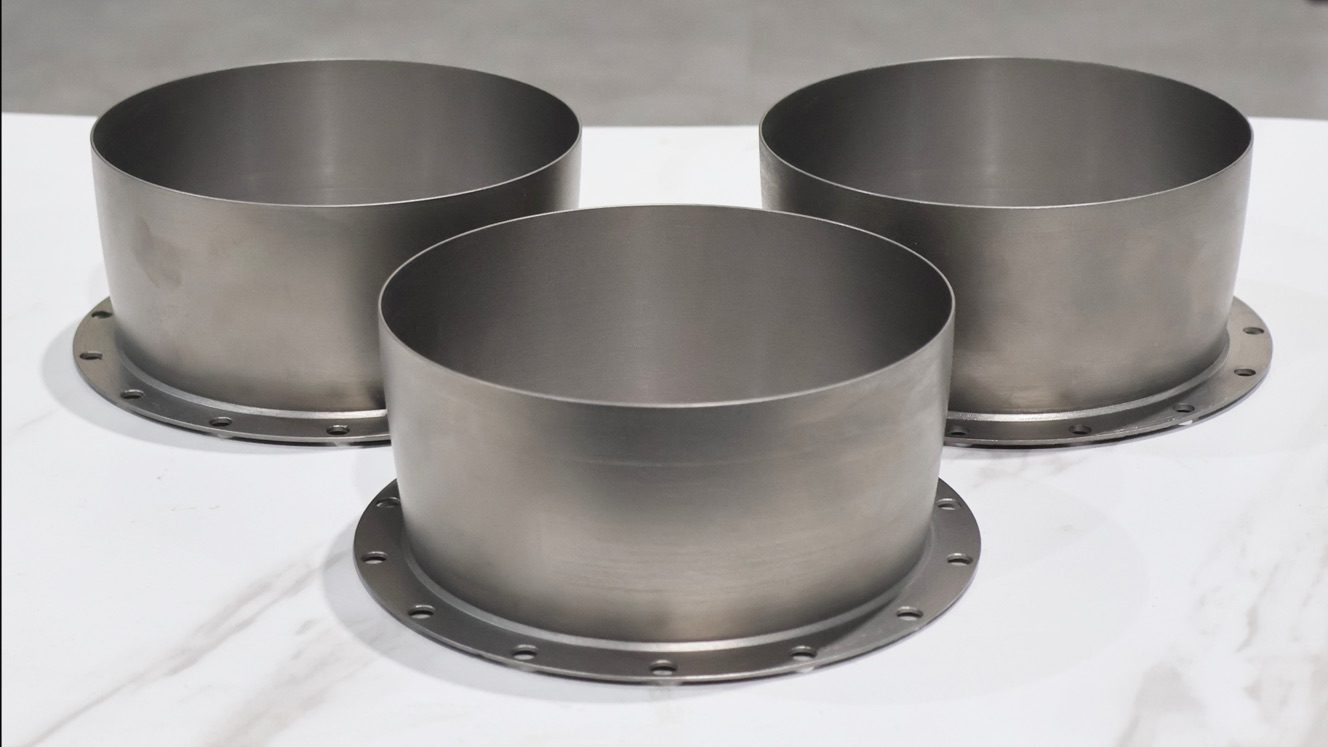
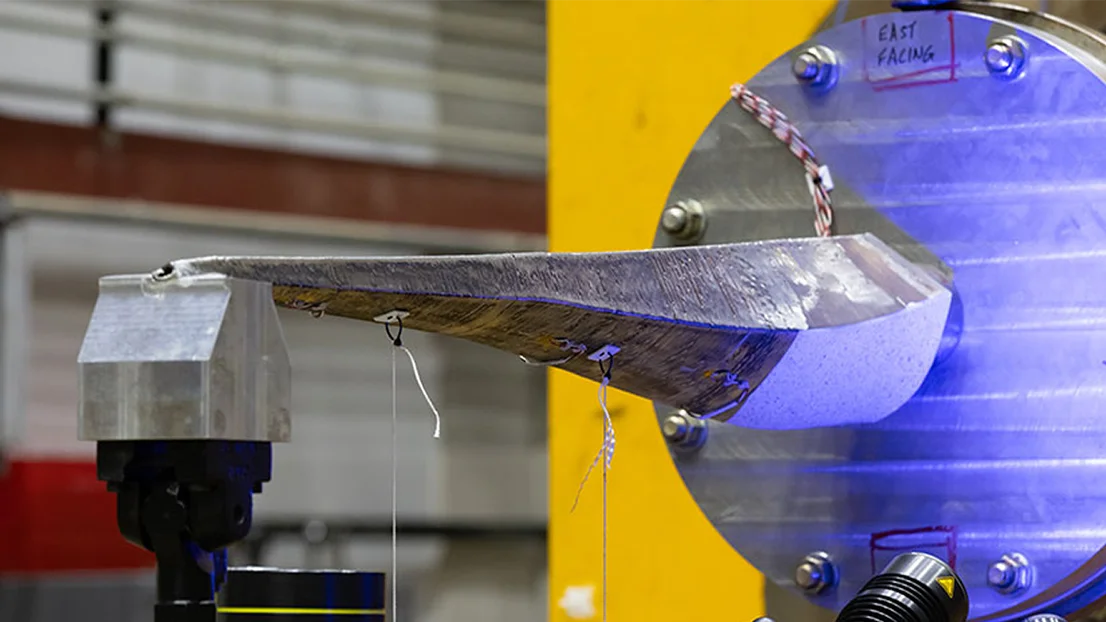
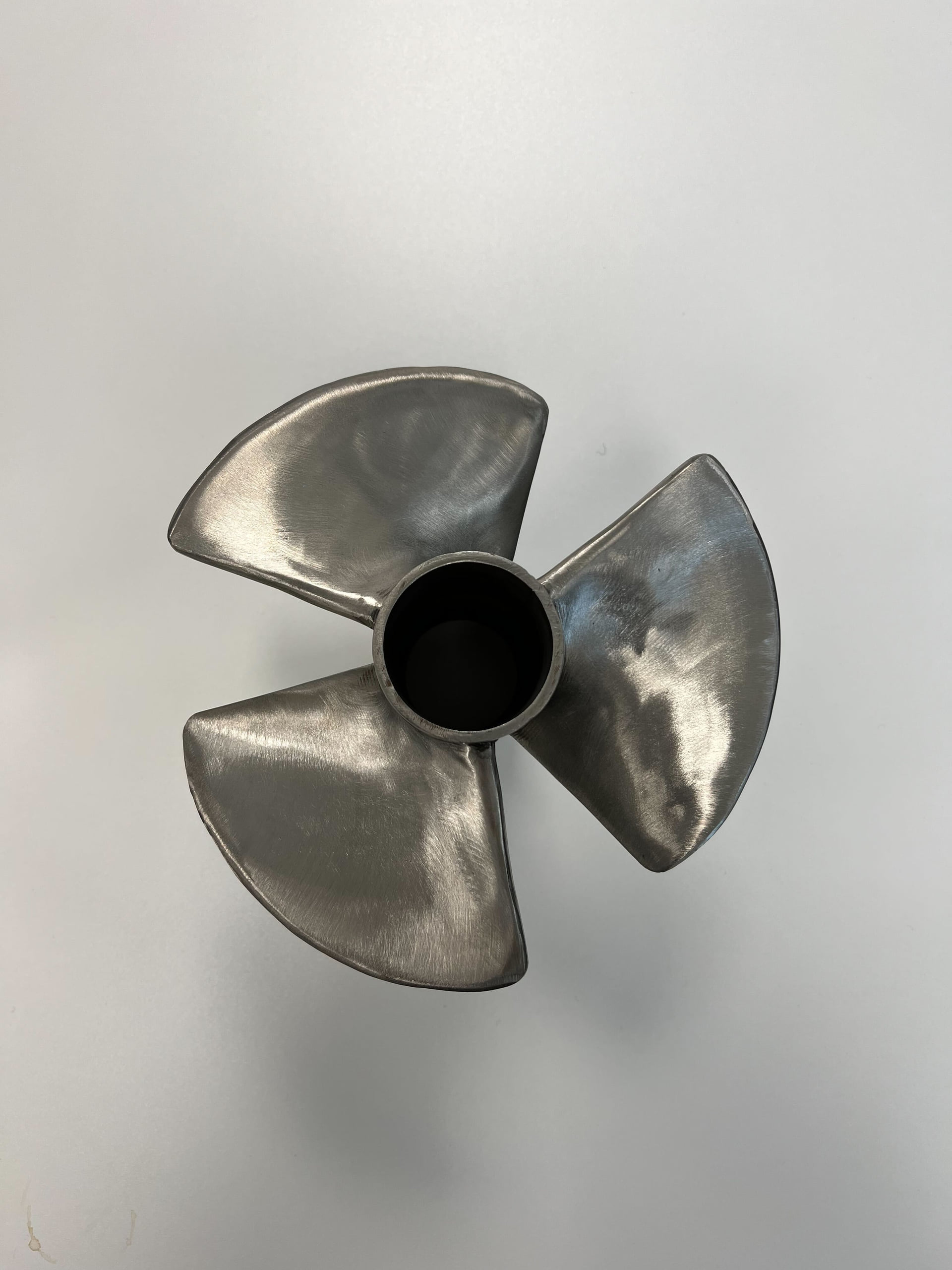
LabAM24 printed three C103 niobium alloy rocket nozzle components on its own gantry-type wire-DED system using Aibuild CAM. Testing showed ultimate tensile strength of 470 to 495 MPa, yield strength of 378 to 445 MPa and elongation of 22.2 to 29.4%, above the ASTM B655 minimum. LabAM24’s process needs the software to control shield gas flow alongside the toolpath. Aibuild’s team built that capability with them, and it currently exists only in LabAM24’s workflow. The parts are delivered and tested, and a firing test is the next milestone.
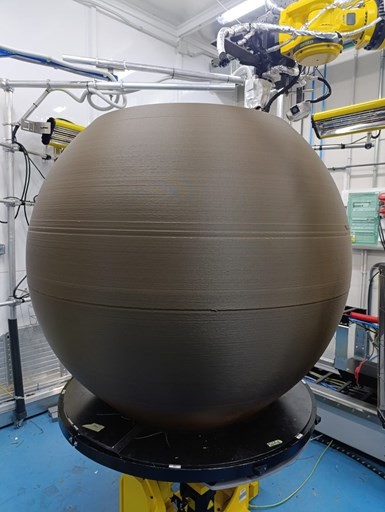
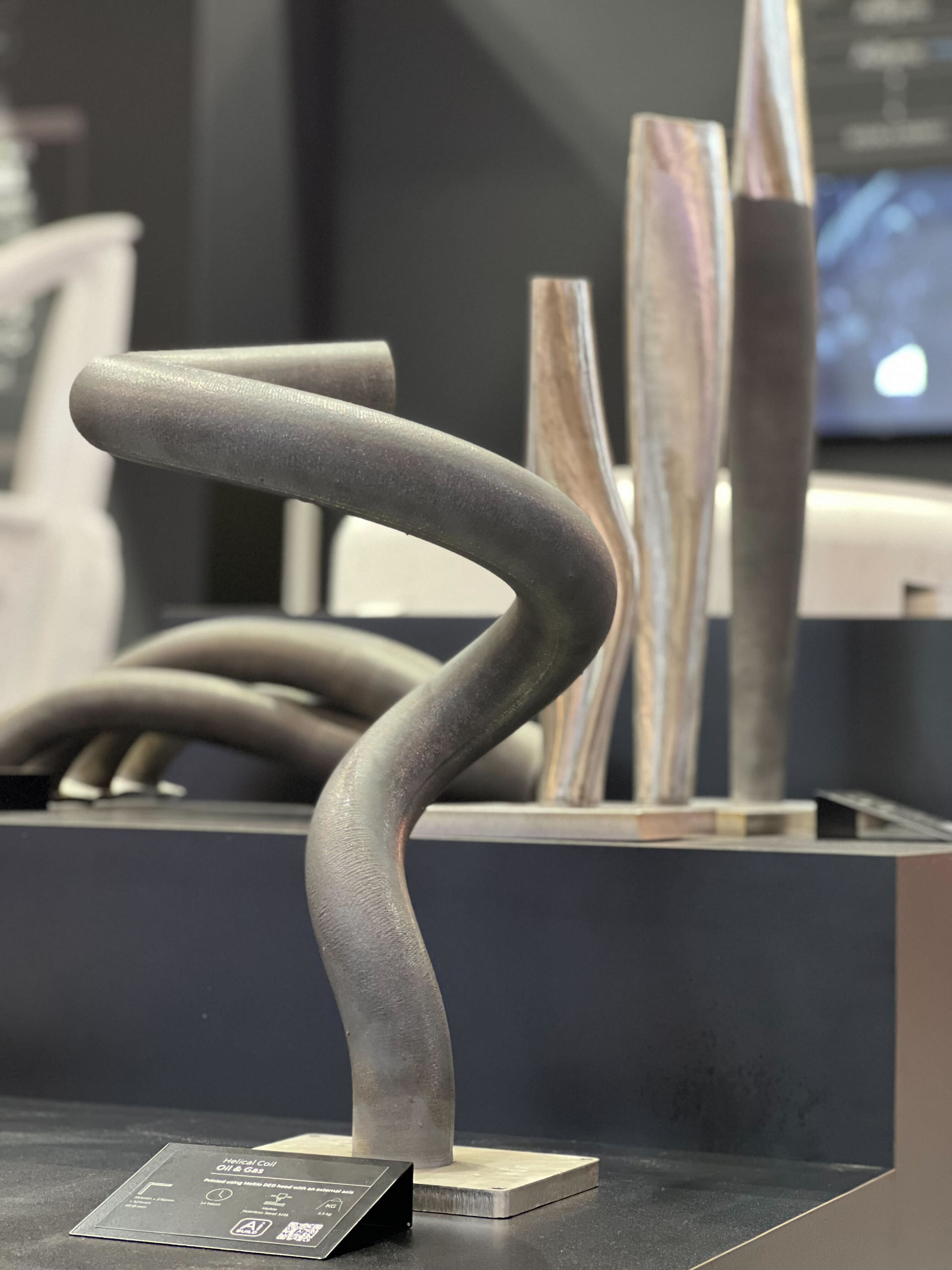
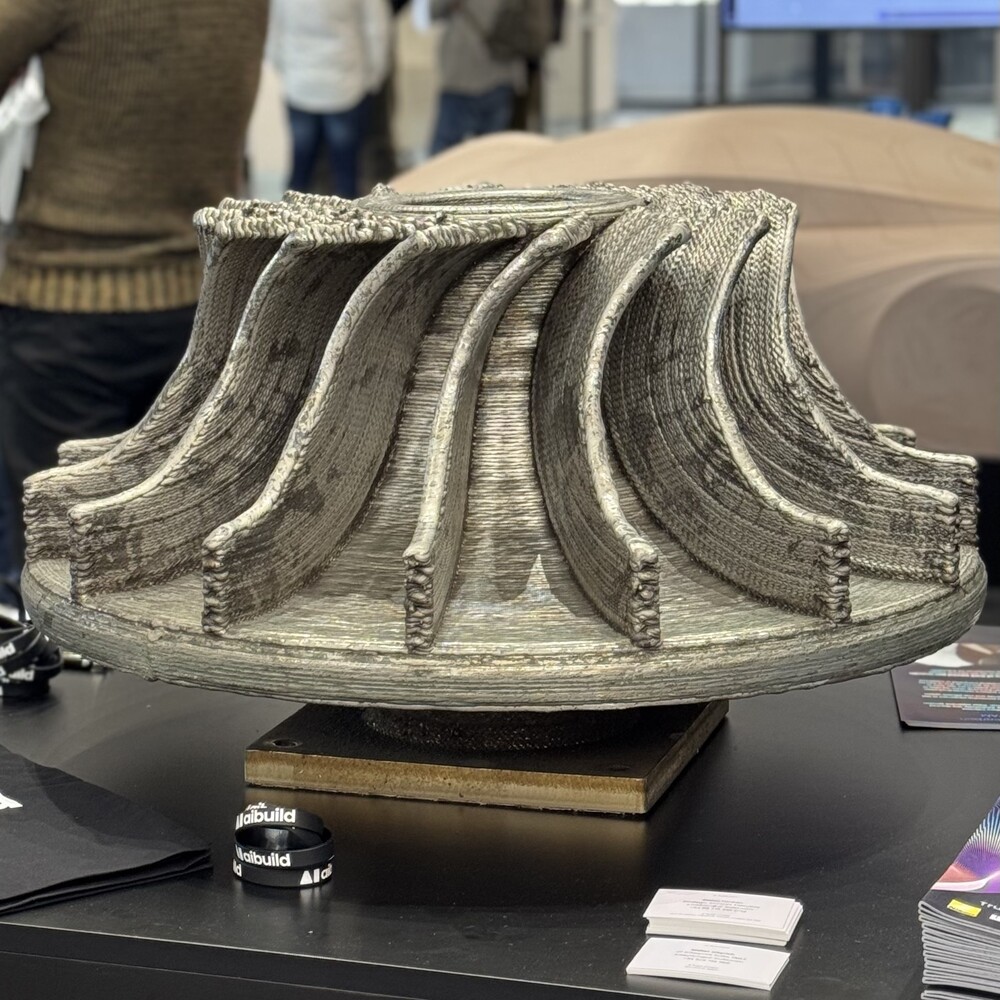
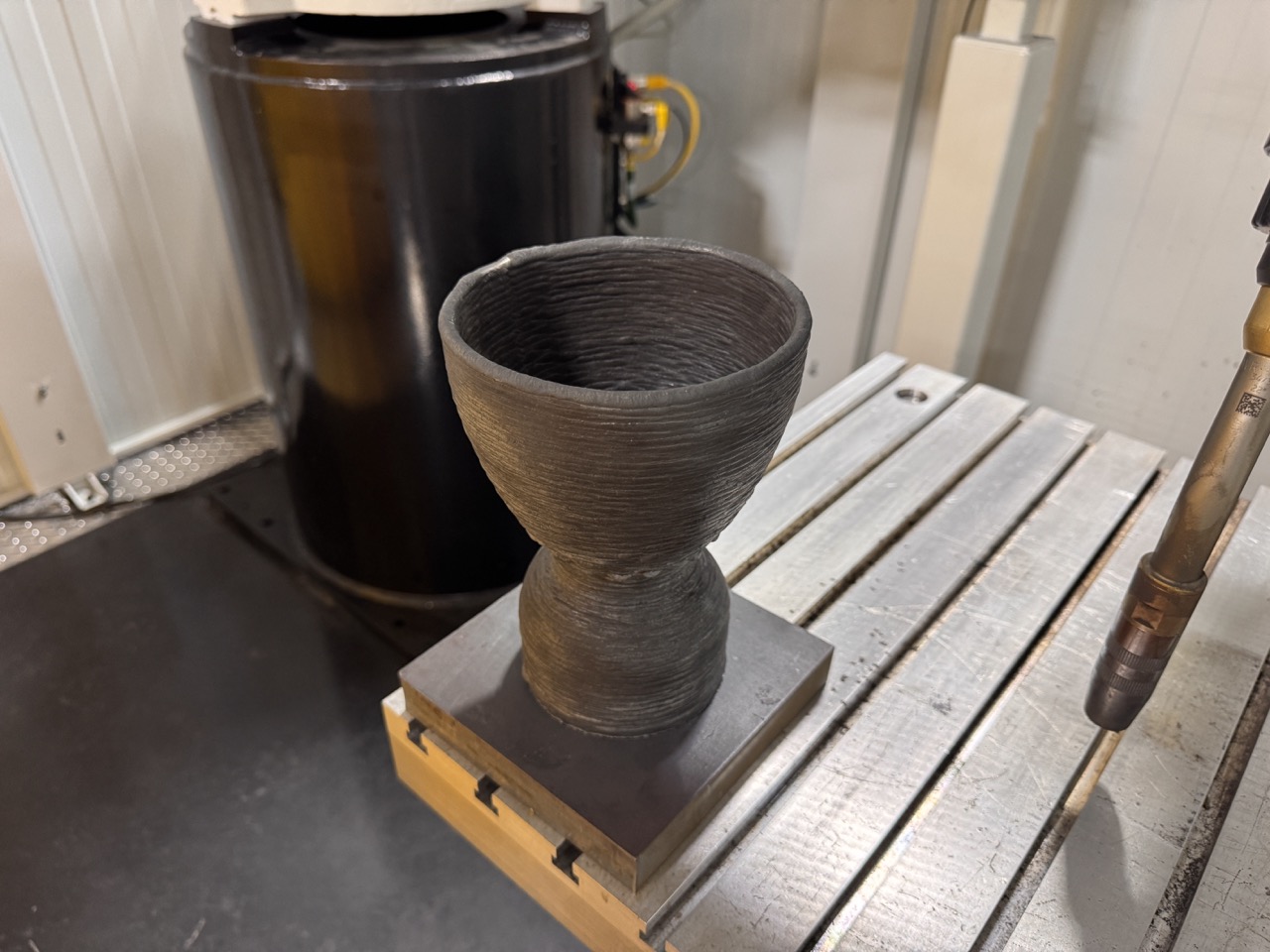
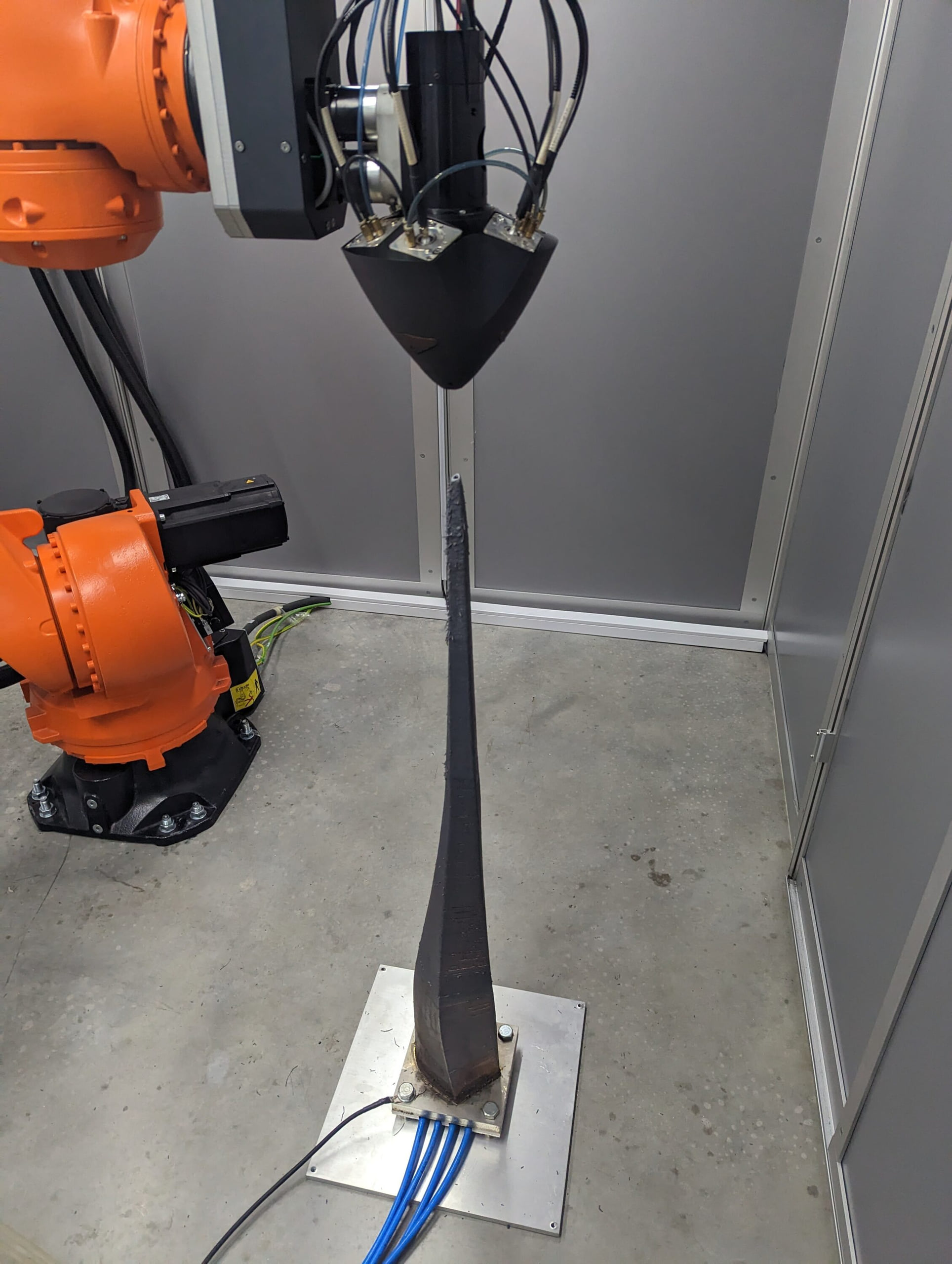
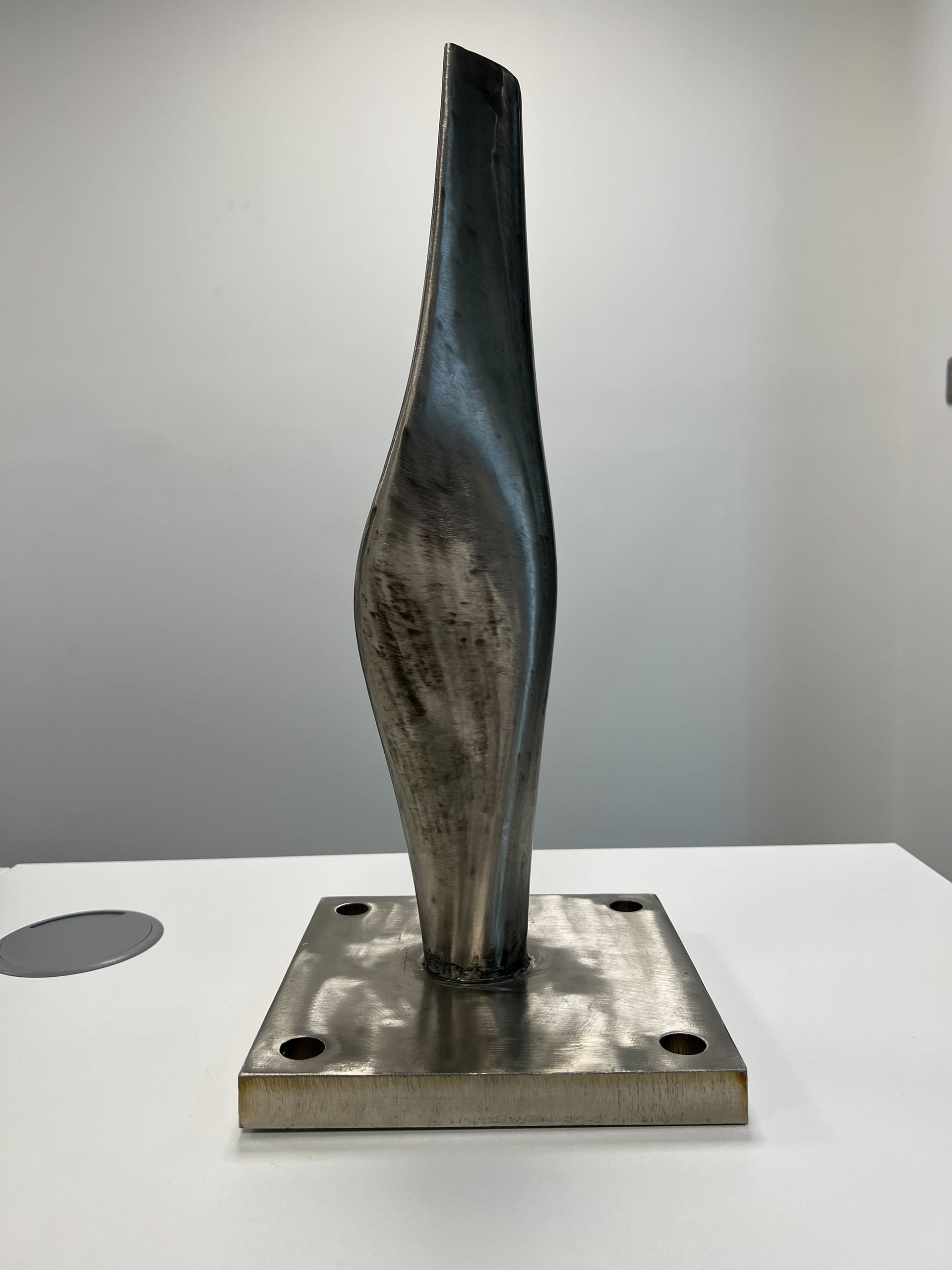
Non-planar, multi-planar and segmented strategies, refined over more than ten years of testing in our R&D Lab in East London.
Print analysis flags and corrects incorrect corners, balances overlap between walls and infill, adapts layer thickness across overhangs and predicts interpass temperature.
Build once and reuse on the next part. Profiles save the tool, material and process parameters that belong together, so one change reaches every workflow using it when you recompute. A workflow only changes when you choose to update it.
Finish the part with automatic tool changes, milling and collision checks against the workpiece.
Robotic arms and gantries from any major vendor, with external axes. Metal DED, WAAM, cold spray, polymer extrusion, concrete and paste extrusion.
Aibuild CAM Cloud has an MCP server, so an AI agent or in-house script can create workflows, run computations and download toolpaths, including across a batch of variants.
Build a workflow once from templates, change the inputs and run it again. Parametric toolpaths cut the repetitive work on every new part, and a workflow only changes when you choose to update it.
Simulate the robot with its limits and run collision checks. Wrist singularities and axis limits show up on screen, not on the machine.
Print analysis and safety checks run in the software before the toolpath reaches the machine.
Every generated toolpath keeps a history you can trace.
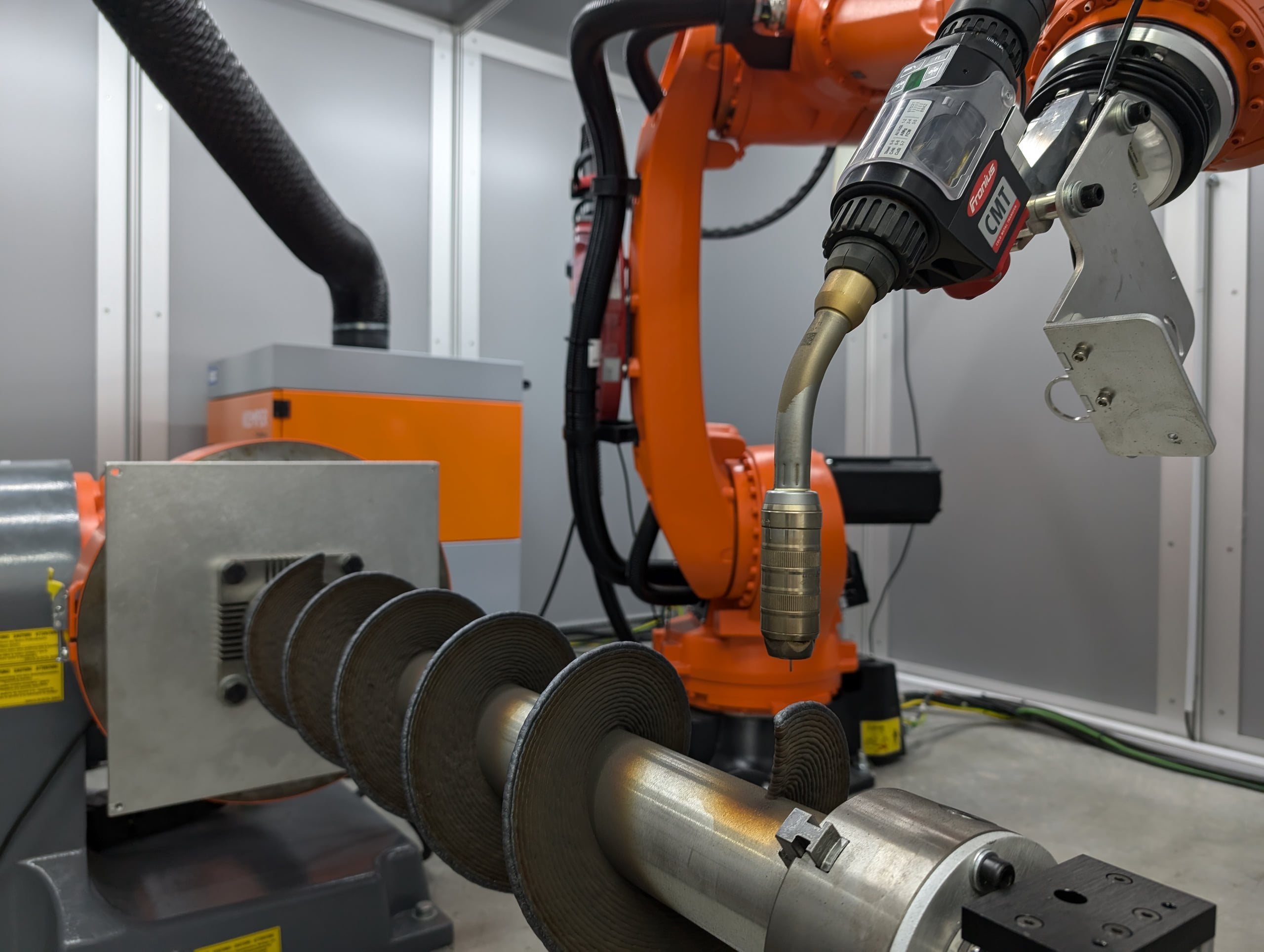
Our R&D Lab in East London runs its own robotic WAAM equipment, so the team supporting you has run the process as well as written the software.
Aibuild CAM users also get access to Aibuild OS, agentic AI that operates CAD, CAE and CAM software, for upstream work such as design, data analysis, design for additive manufacturing (DfAM) and CAE.
Aibuild FETS (Finite Element Thermomechanical Simulation) predicts temperature, stress, distortion, crack risk and interlayer bonding for DED and WAAM from your G-code, in minutes on a desktop GPU. It is independently validated by NIAR and Additure, and runs 100 to 10,000 times faster than competing solutions for DED and large-format processes. The report recommends a wait time for each layer, which you apply in Aibuild CAM.
Aibuild CAM runs on desktop for offline use, on-premise for enterprises, or cloud-connected for collaboration. Aibuild is ISO 27001 certified since 2023 and ITAR compliant.
Aibuild CAM is dedicated robot additive manufacturing software for wire arc additive manufacturing (WAAM) and directed energy deposition (DED). It generates multi-axis toolpaths with slicing modes, positioner and weld control, and process parameters built for metal, then checks them in simulation before the build.
WAAM is a wire-fed process where an electric arc melts the wire and builds the part layer by layer. It is a form of directed energy deposition (DED), the wider group of processes that use focused energy to melt wire or powder as it is deposited. Aibuild CAM generates toolpaths for both.
Yes. Aibuild CAM supports two-axis positioner control for printing, which opens up better printing strategies and gives you more control over the weld. Positioner and tool control sit alongside machine constraints in the same workflow. Milling work coordinate systems don’t support two-axis positioners yet.
Aibuild CAM has more than ten slicing modes, covering the full range of components and using the robot’s degrees of freedom. They include planar, non-planar and multi-planar strategies that print complex geometry without support material. Choose the mode that suits the part, then keep it in the workflow for repeat builds.
Aibuild CAM can vary wire feed speed and energy input through the build to control bead geometry. Process parameters are mapped to the part and kept in parameter libraries and Profiles, so settings suited to metal are reused on the next part.
Yes. Aibuild CAM includes weaving, meandering and oscillation tools for WAAM, with automatic or pre-defined segmentation specific to the process. They are set up as part of the toolpath workflow, so the same settings can be reused on the next part.
Aibuild CAM uses sequencing algorithms to order the deposition so thermal gradients and stress are minimised. To predict the result, Aibuild FETS simulates temperature, stress and distortion from your G-code, and its report recommends a wait time for each layer that you apply in Aibuild CAM.
Aibuild CAM is hardware-agnostic and works with TIG, MIG/MAG and other welding and DED equipment, and it is fully integrated with [Arc Additive] hardware. Machine constraints, tool control and positioner control are built in, so the same workflow suits your cell.
Yes. Aibuild CAM runs kinematic simulation with robot limits and collision checks, plus print analysis and safety checks, in the software before the build. Robot simulation highlights wrist singularities and axis limits. Your engineer should still check the machine program before it runs.
Aibuild CAM uses repeatable parametric workflows. Build the toolpath once from templates, change the inputs and run it again on the next part. A workflow only changes when you choose to update it, and each generated toolpath keeps a history you can trace.
Aibuild FETS runs 100 to 10,000 times faster than competing solutions for DED and large-format processes, on a desktop with an NVIDIA GPU. It is independently validated by NIAR and Additure, and imports G-code from any CAM software, so you don’t have to change your toolpath workflow.
Yes. Aibuild CAM users also get access to Aibuild OS, agentic AI that operates CAD, CAE and CAM software. It supports upstream work such as design, data analysis, design for additive manufacturing (DfAM) and CAE, and your engineer reviews and approves the results.
Send us a part and we’ll show you the toolpath on your robot or gantry.