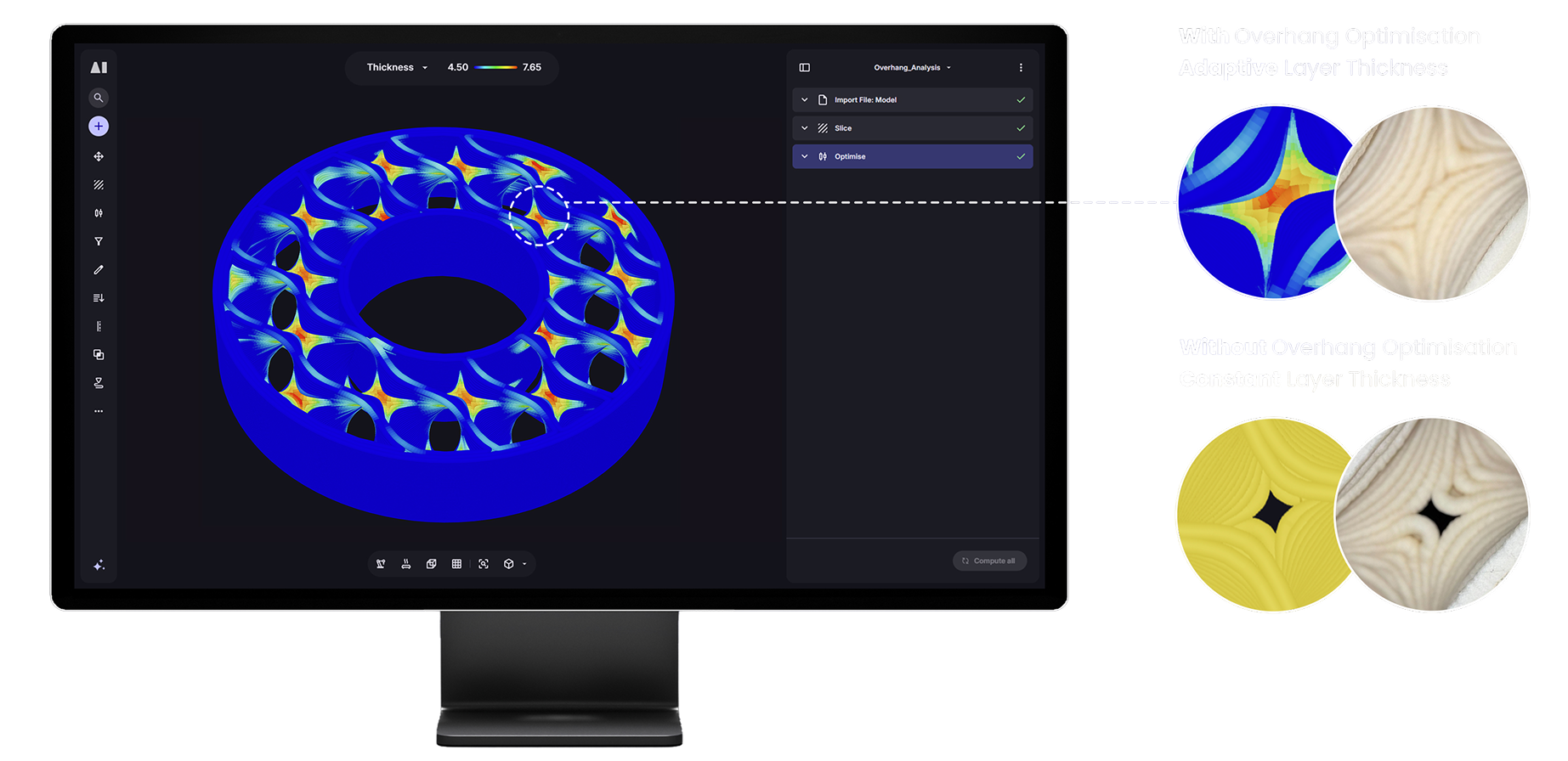
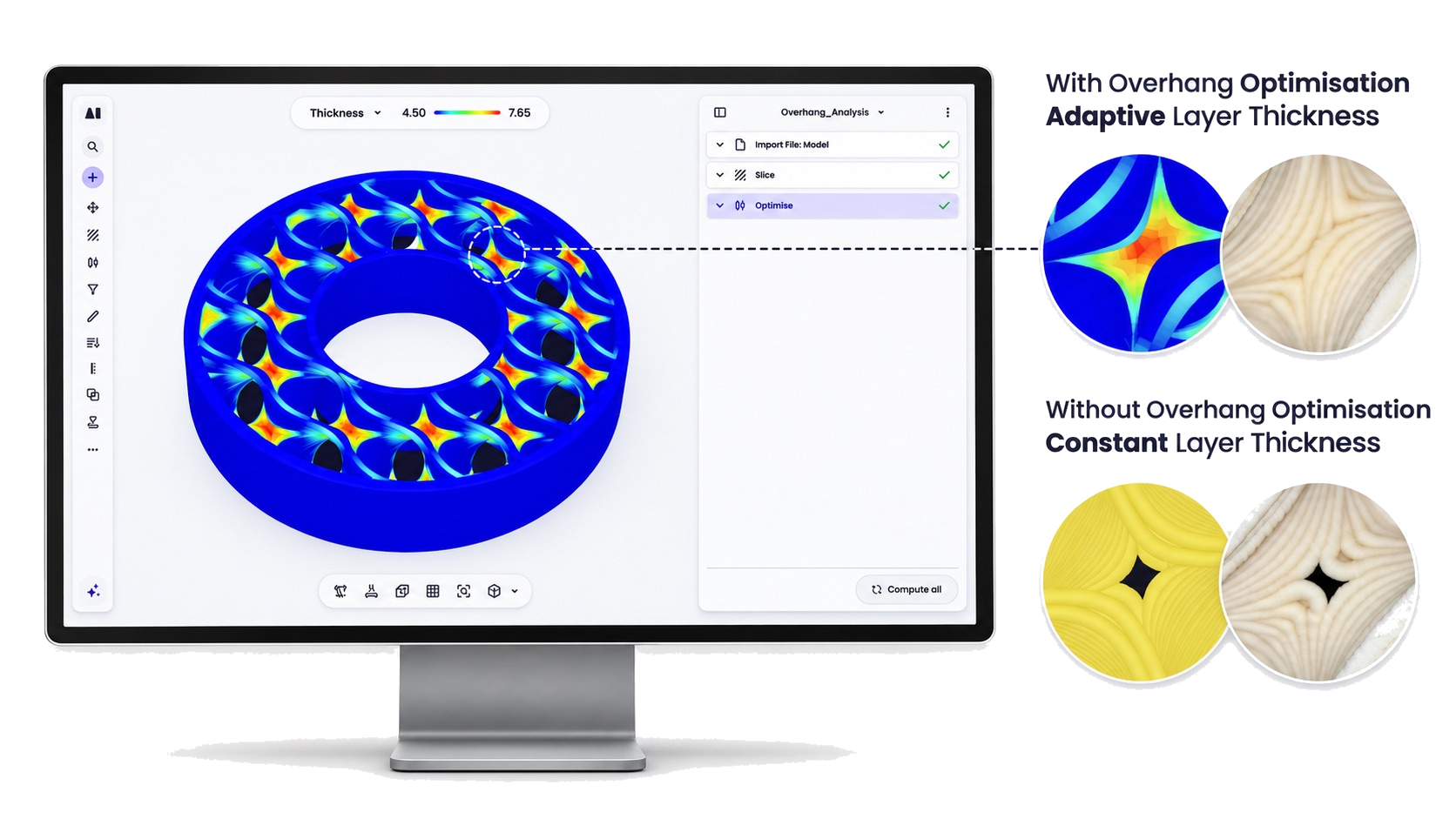
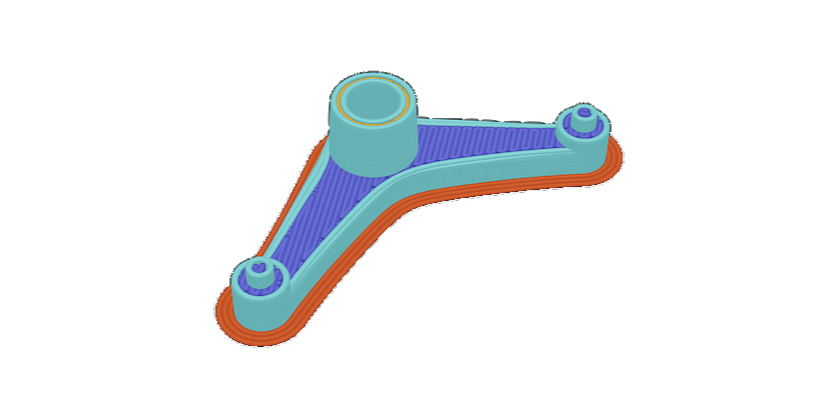
Overhang analysis
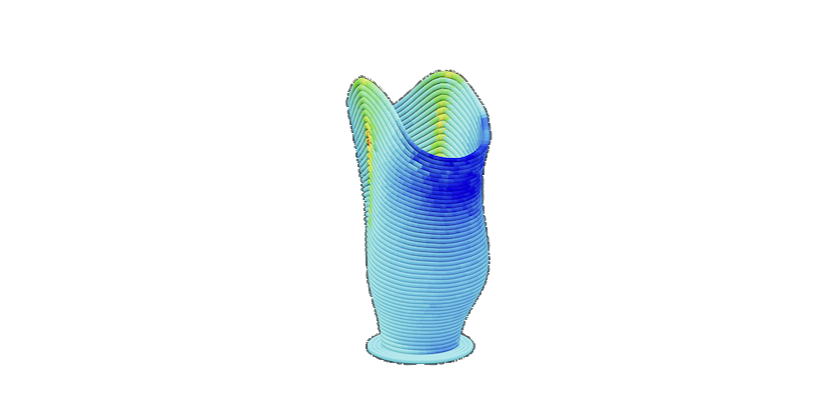
Identifies deposition angles in sliced paths at risk of failed deposition or poor surface quality.
Aibuild CAM is toolpath and build preparation software for large format and robotic additive manufacturing. It supports polymer, metal DED, WAAM, cold spray, concrete and paste extrusion on robot and gantry systems.

















Aibuild CAM turns a CAD model into a multi-axis toolpath through visual programming, not manual G-code.
A proven toolpath repeats the same way across hundreds of parts, and a process proven on one machine rolls out across your sites. Profiles save the tool, nozzle, material and parameters that go together, so a change made once reaches every workflow using it when you recompute. A workflow only changes when you choose to update it.
No lock-in. Polymer extrusion, metal DED, WAAM, cold spray, concrete and paste, on robots and gantries from any vendor.
Print analysis, safety checks and collision detection run in the software, in polymer and metal. Curvature, overlap and thermal analysis are built in. Your engineer checks the machine program before it runs.
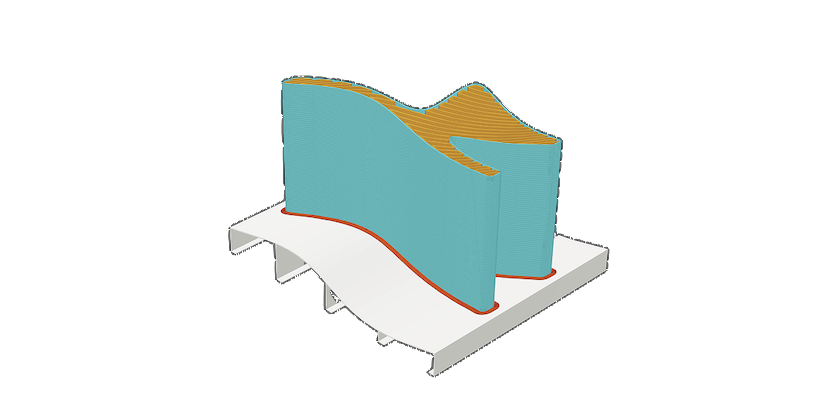
Non-planar, multi-planar and segmented printing, built on over ten years of testing.
Print and machine the same part with automatic tool changes.
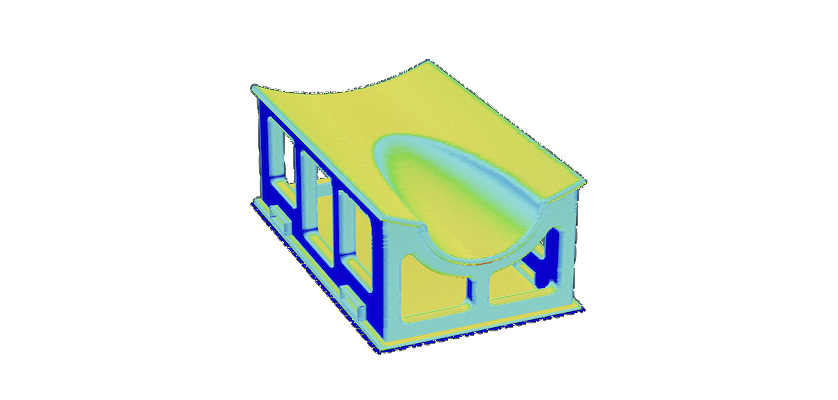
Point Mould Designer at an A-surface and it generates the mould with stiffeners, forklift pockets and lifting holes. Change the part and it regenerates. In use on aerospace, marine, energy and automotive tooling.
An AI agent can build and check workflows with you, and Aibuild CAM Cloud has an MCP server for your own tools.
Aibuild CAM specialises in robotic additive manufacturing and multi-axis 3D printing/machining. We’ve refined our AI-driven algorithms through real-world testing, creating a software platform that transforms manual processes into autonomous, high-success manufacturing systems. Aibuild CAM was previously known as AiSync and AiSync Pro. It’s the same large-format additive manufacturing software, now part of the Aibuild platform.

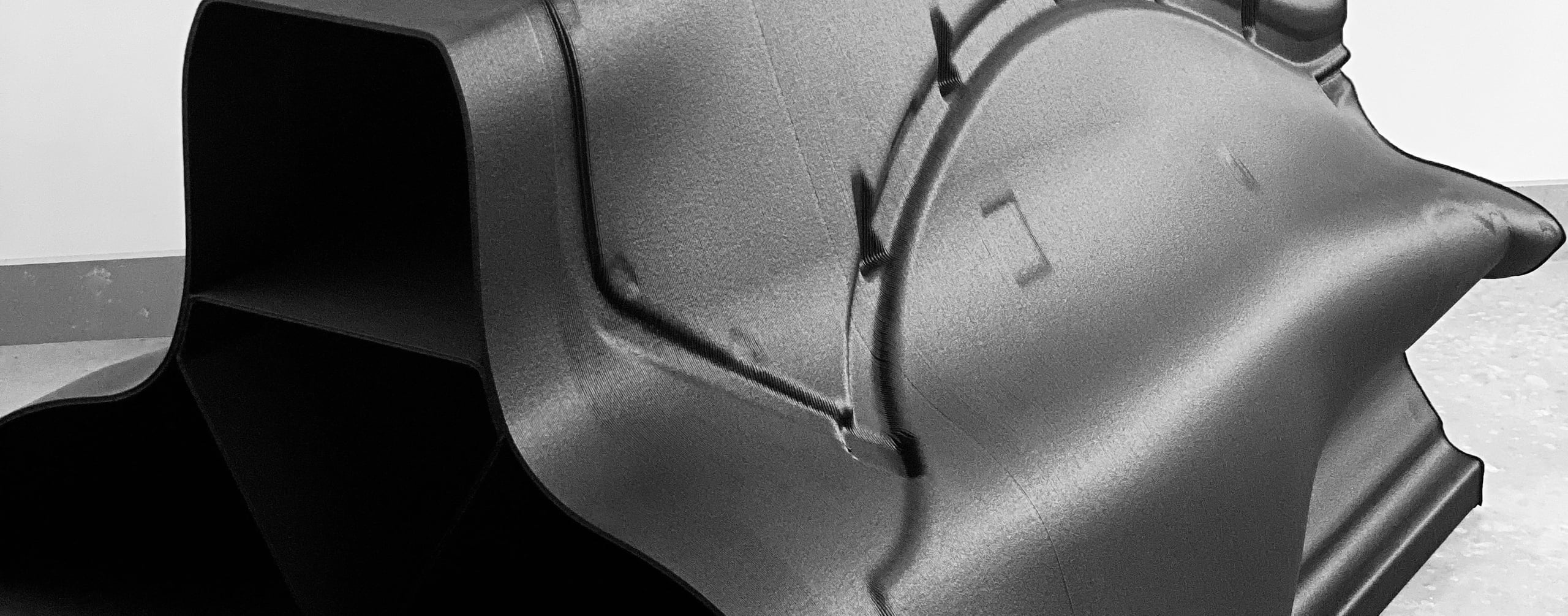
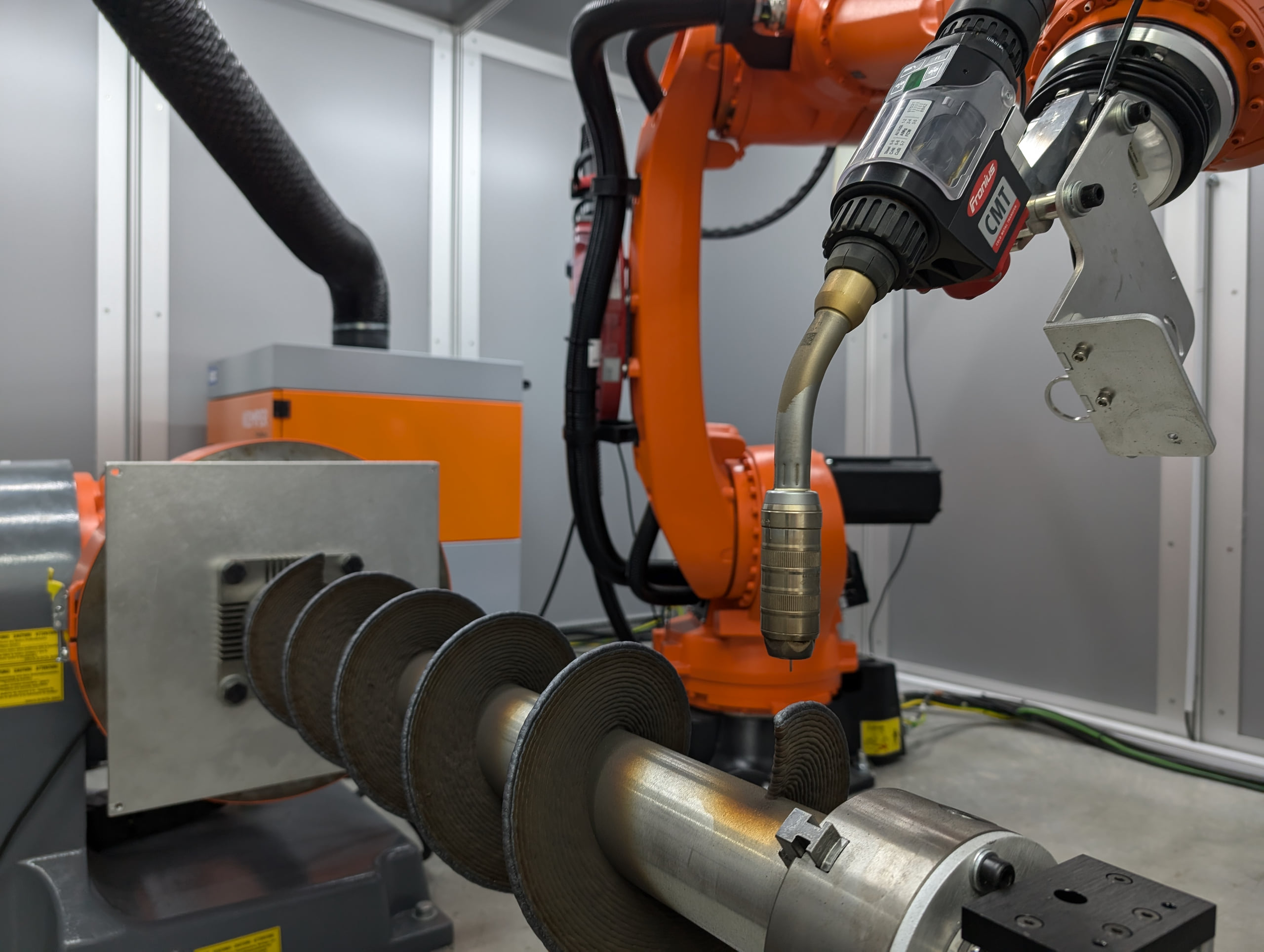
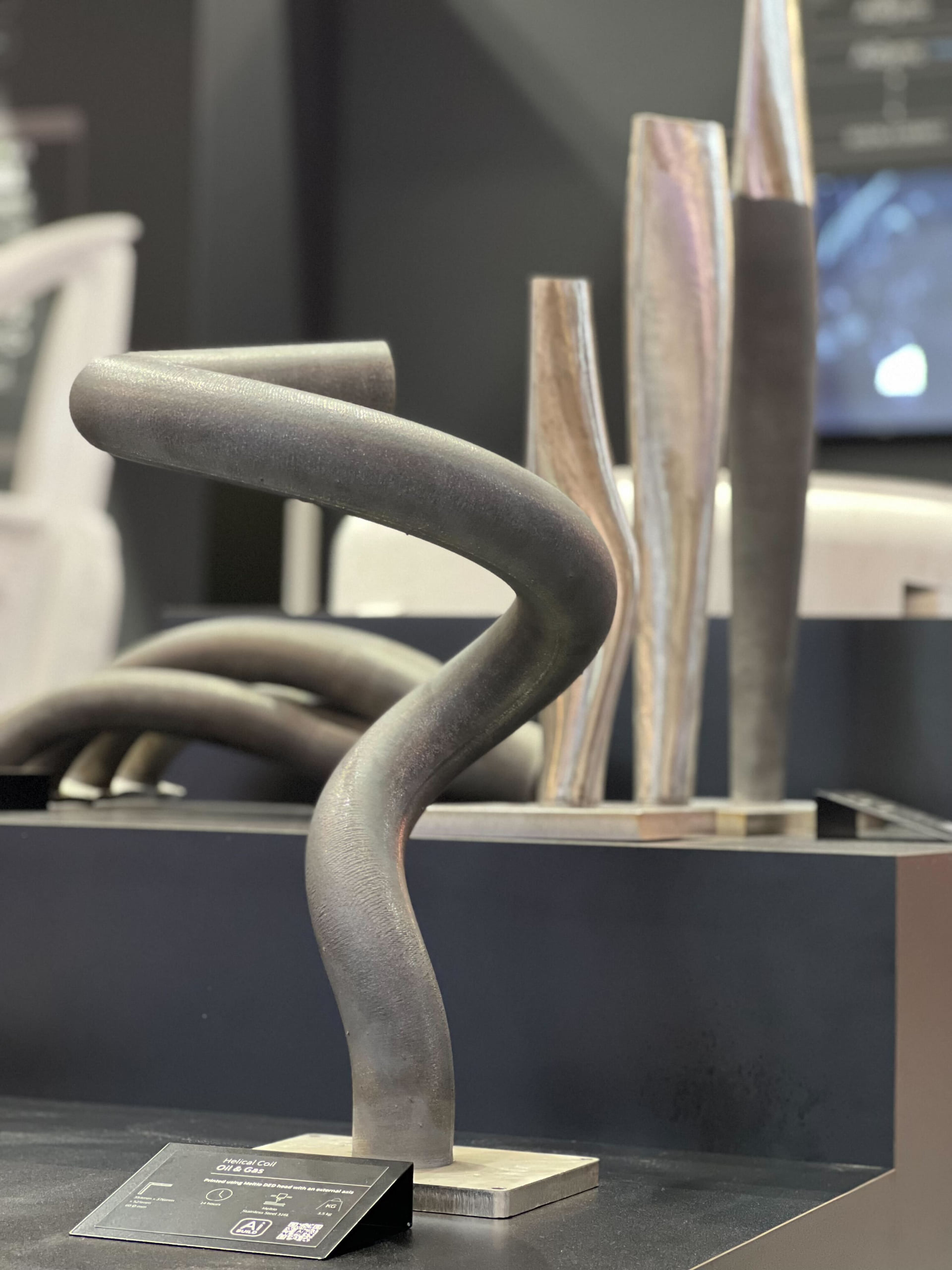
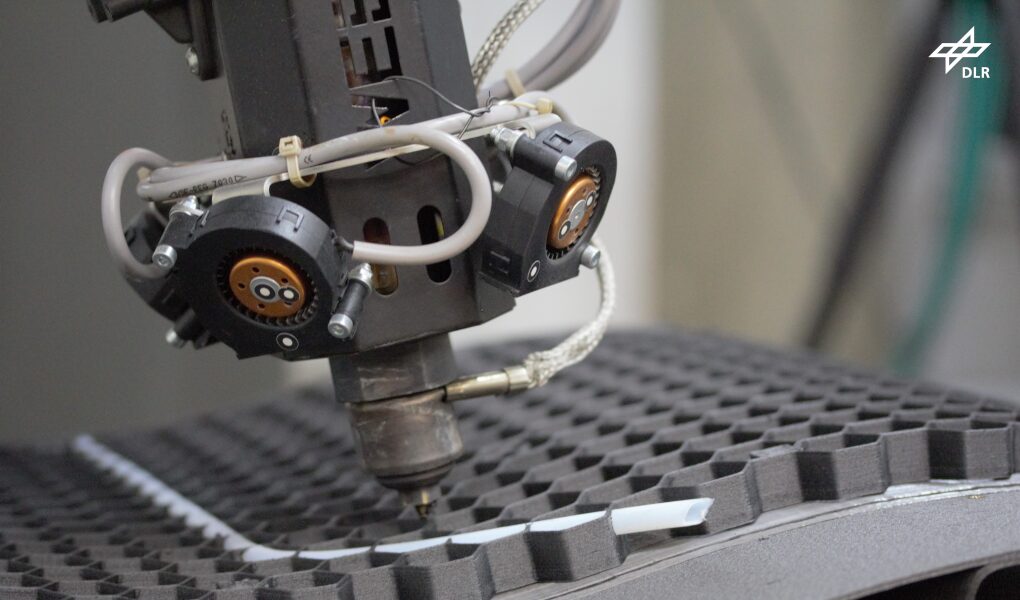

Aibuild software is available as a stand alone desktop application, or access your work anywhere and collaborate in Aibuild Cloud with no install needed. Aibuild Limited is ISO 27001 certified.
LFAM toolpath creation + print analysis for both polymer and metal + automatic toolpath optimisation for better builds. These analysis tools transform manufacturing from reactive troubleshooting to proactive problem-solving.
Identifies deposition angles in sliced paths at risk of failed deposition or poor surface quality.
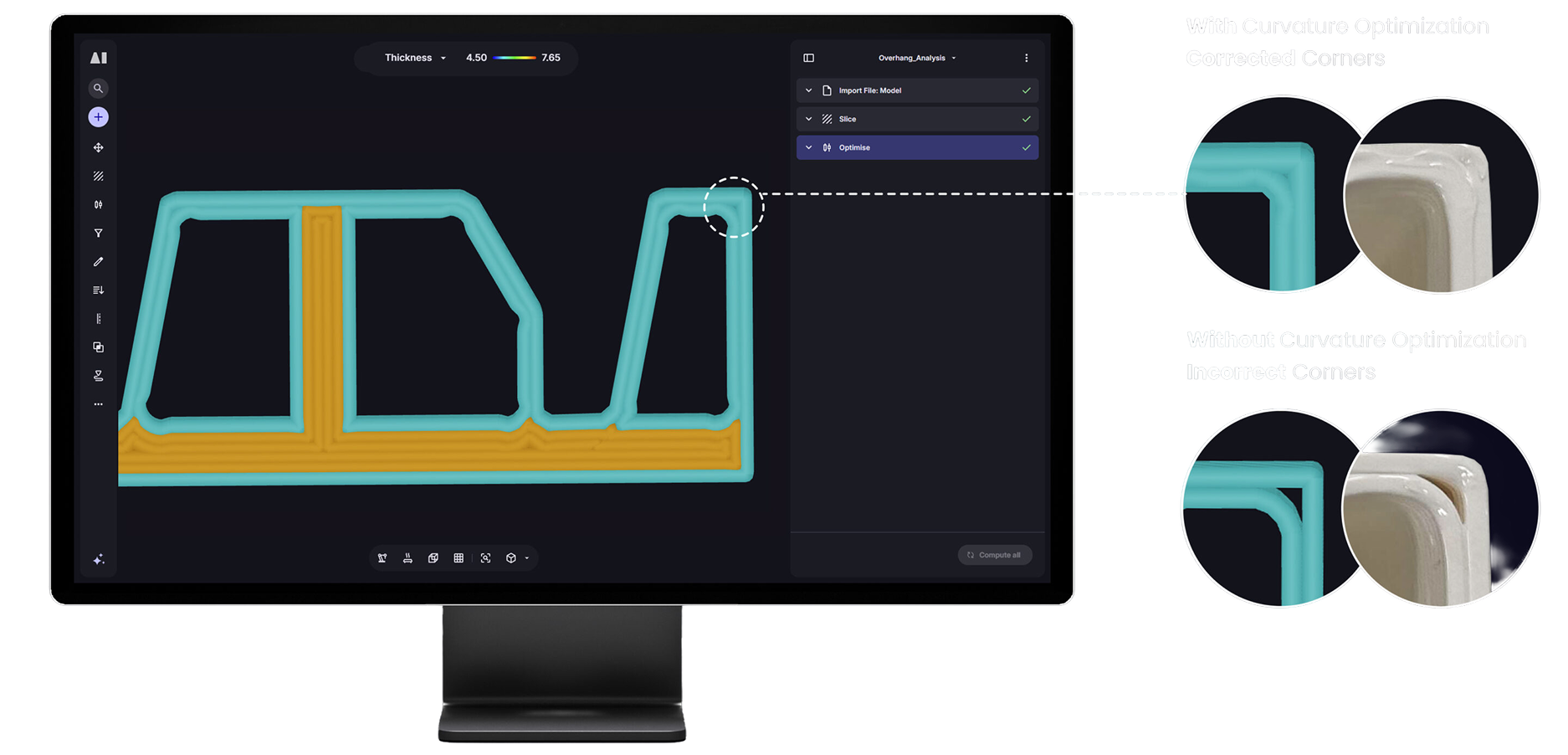
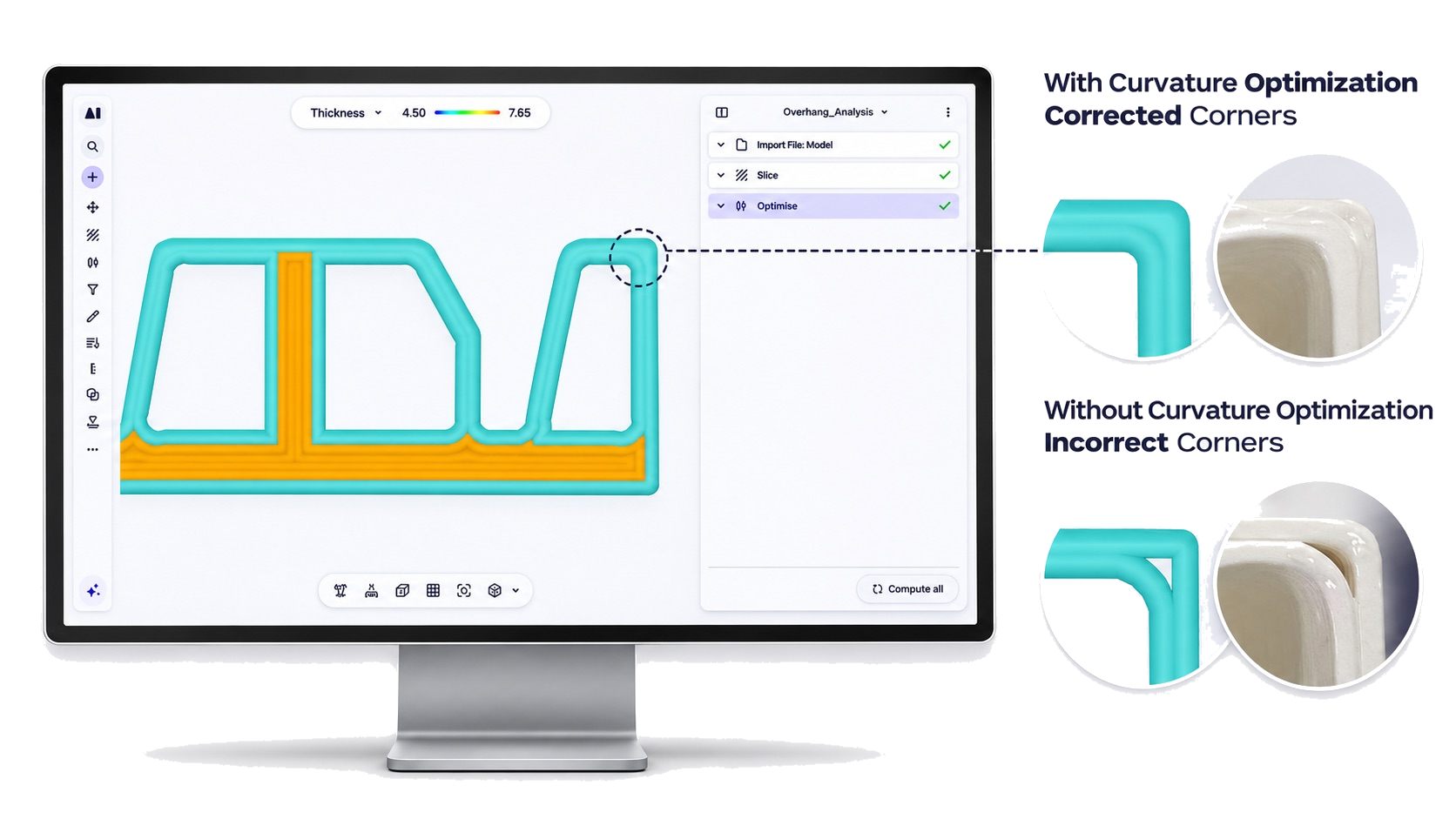
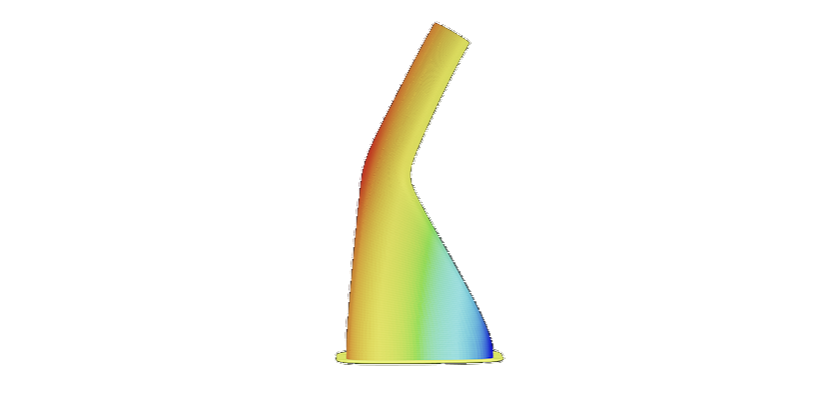
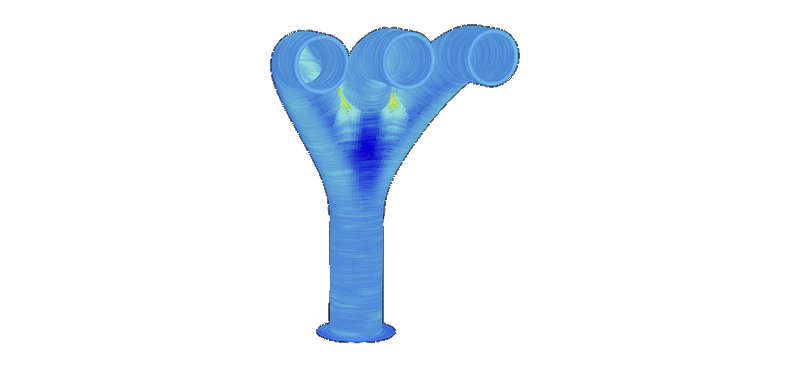
Evaluates path curvature to flag areas where tight curves may affect print quality or machine motion.
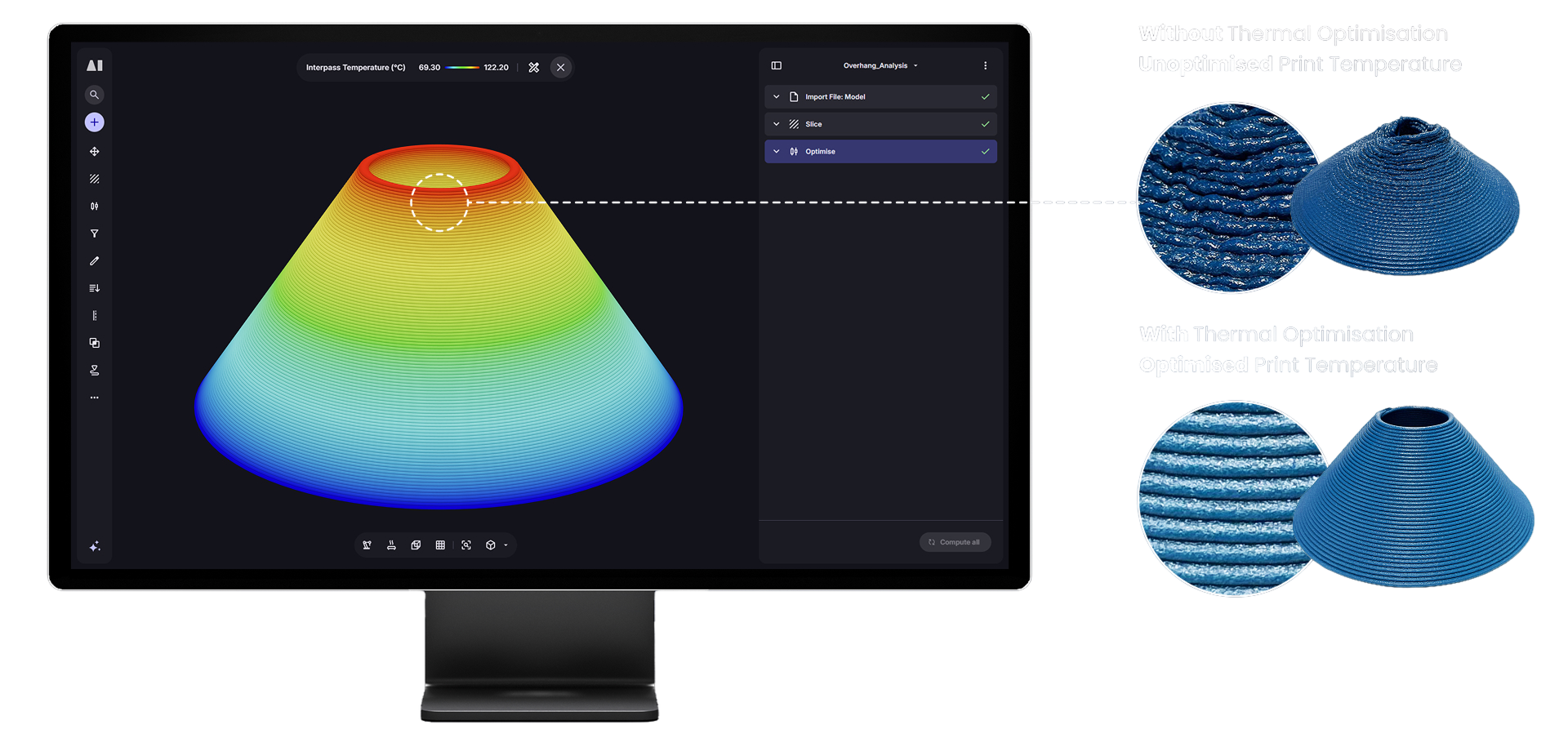
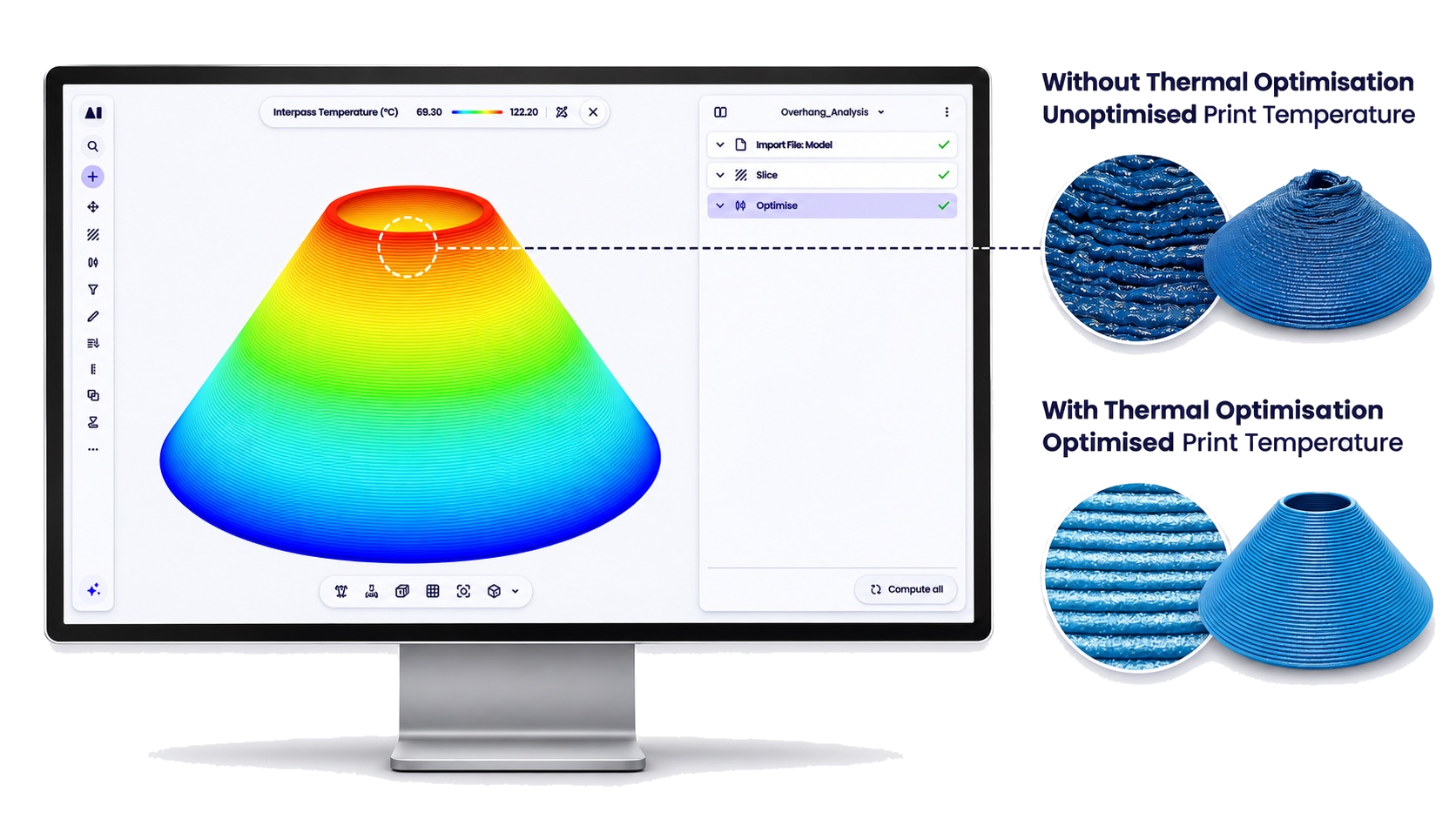
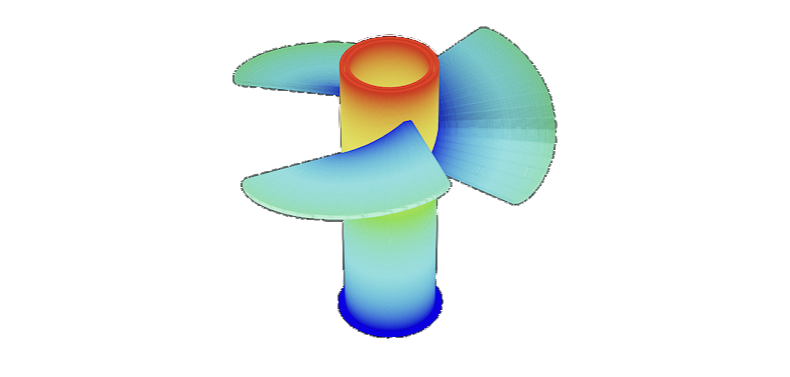
Predicts interpass temperature layer by layer so print temperature can be optimised before you print.
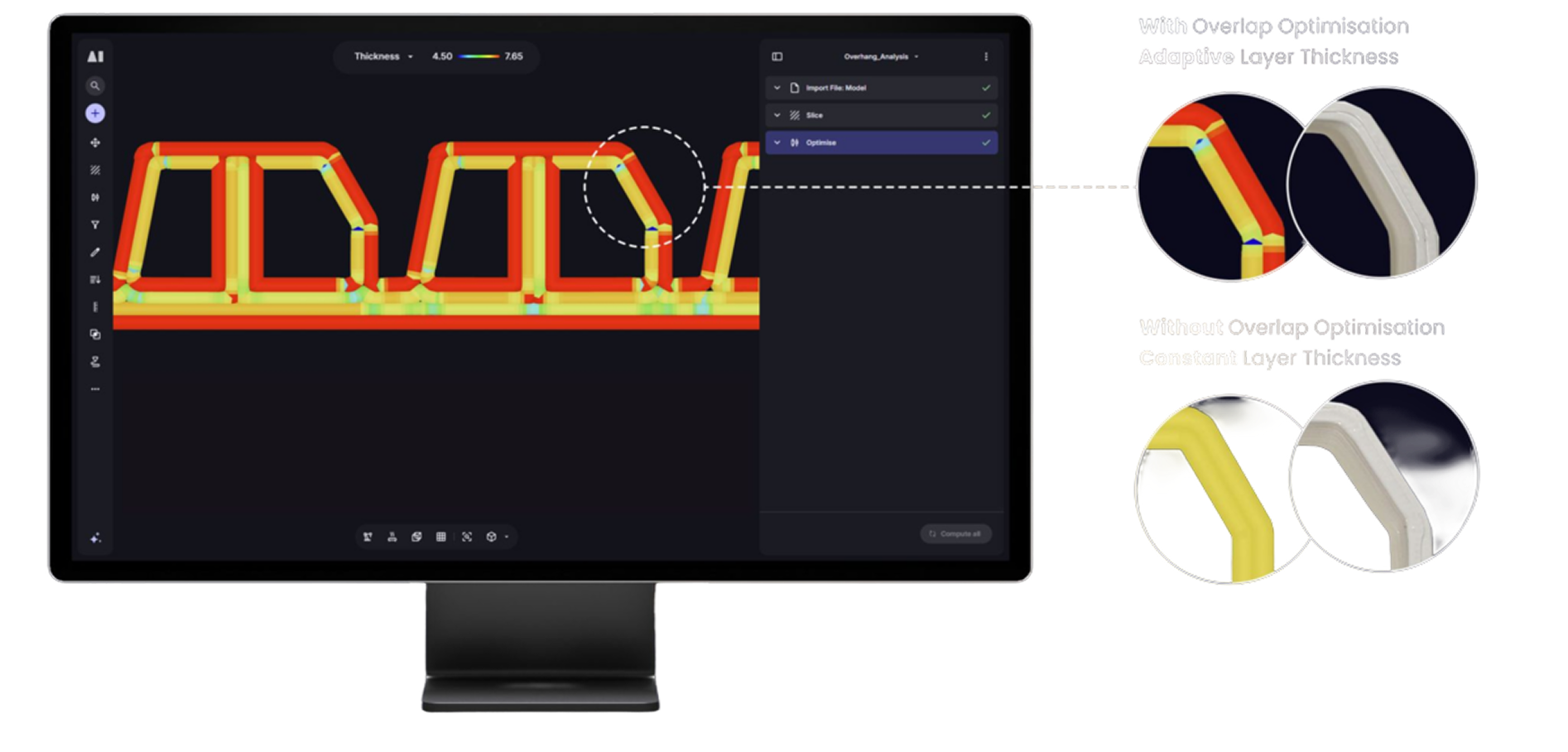
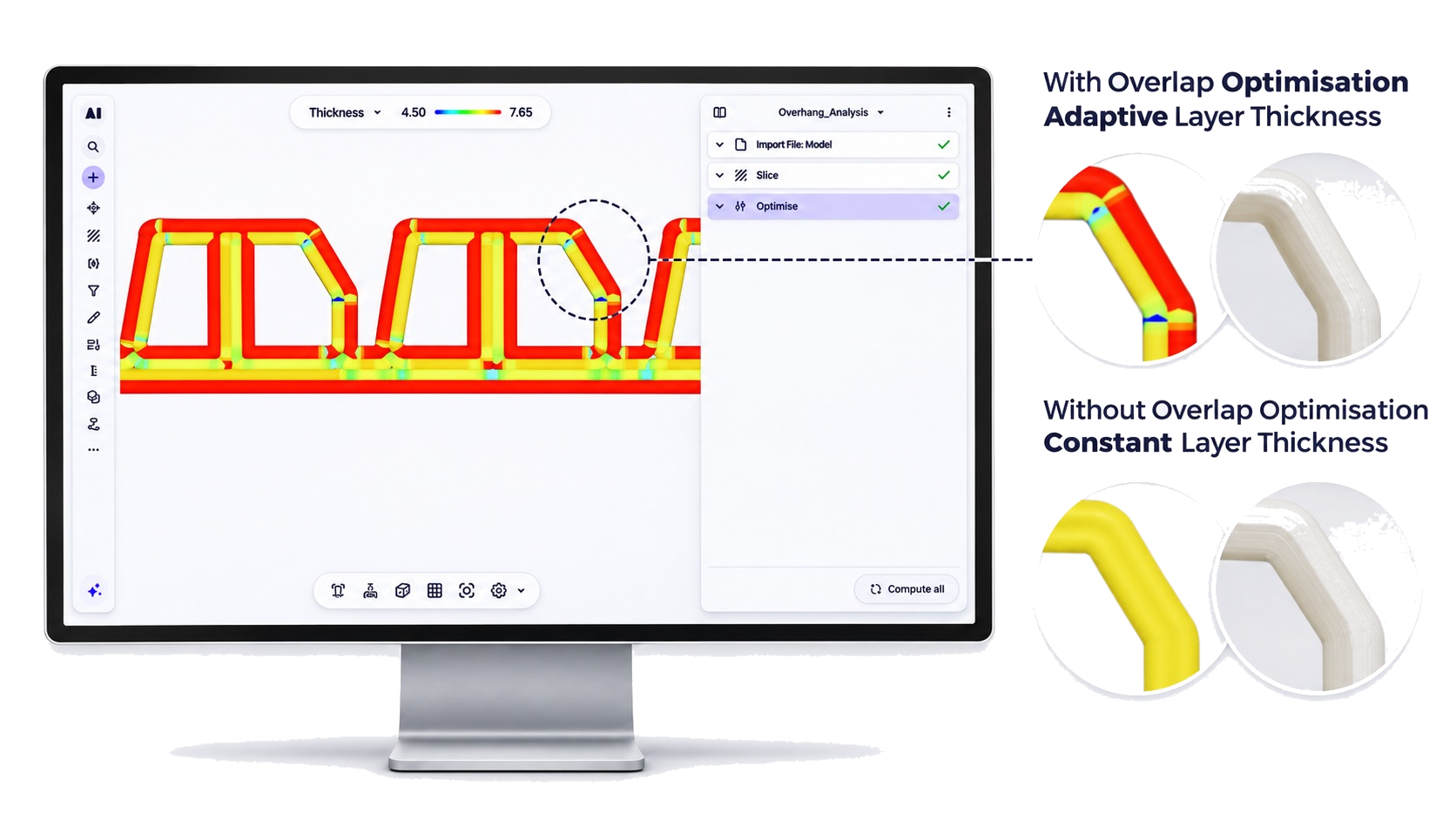
Checks bead overlap between adjacent passes to identify regions where over- or under-overlap will affect surface finish and structural integrity.
Simulate your toolpath on your actual machine model. Offending objects highlighted red, events marked on the toolpath simulation timeline, with a summary table on the right.
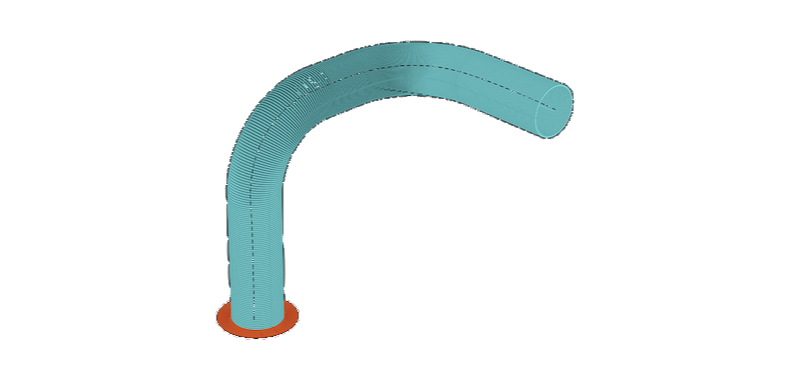
Flags toolpath segments that fall outside your robot’s reach envelope, highlighted in red. Identify and eliminate unreachable paths before export.
Identifies joint configurations that cause unpredictable or uncontrollable motion near singularity positions. This is a critical safety check for 6-axis robotic systems.
Detects contact between any combination of robot, extruder, part, bed and other machine components throughout your build process. If a collision event is detected, the timeline will have an event added and the colliding bodies are highlighted in red.
Flags toolpath segments where joint angles would exceed your machine’s axis limits, preventing motion faults and mechanical stress before they happen.
Identifies regions of the toolpath that fall outside your defined workspace boundaries, ensuring the complete toolpath fits within your machine’s operational envelope.
This AI Agent sees what you see. Multimodal intelligence means it understands your geometry, toolpaths, and settings visually, delivering guidance specific to your setup.
From a single prompt: “Suggest the best slicing strategy for this part”. The AI Agent: → Acts → Computes → Checks quality → Adjusts parameters → Iterates. It executes a complete feedback loop until results meet requirements.
“Is this toolpath good? Where are the collision risks?” After computing, the AI reads quality checks and safety analysis, then provides specific feedback on print quality issues, collision risk identification and actionable improvements to optimize your toolpath.
Inside the Custom Postprocessor editor: draft or modify logic based on your target machine language. Upload sample files and request changes. Agent applies updates directly with built-in comparison.
Explains workflows and operator settings in plain language. Sanity-checks decisions to reduce trial-and-error. Adds operators and configures settings based on 10+ years of LFAM expertise. Ask it to reply in your native language.
Aibuild is a result of over 10 years of intensive, hands-on testing across hardware and material in our London Ailab. We share these experiences and outcomes directly with our clients in the Knowledge Center.
Aibuild is an AI-powered software platform built specifically for large format additive manufacturing. It automates toolpath generation for robotic and gantry-based 3D printing systems across polymer extrusion, metal DED, WAAM, cold spray, concrete and paste extrusion, replacing manual coding with intelligent, automated workflows from a single platform.
Large format additive manufacturing is the process of 3D printing parts and structures at an industrial scale typically using robotic arms or gantry systems with pellet or wire-based extrusion. LFAM is used across aerospace, automotive, marine, construction and tooling to produce components and moulds that are too large or complex for conventional manufacturing methods.
Aibuild supports polymer extrusion including filament and pellet, metal directed energy deposition including wire and powder, wire arc additive manufacturing, cold spray, concrete extrusion and paste extrusion. It works across both robotic arm and gantry-based systems and supports hybrid additive and subtractive workflows with automatic tool changes.
Aibuild is a machine-agnostic platform, meaning it is designed to work with a wide range of robotic arms and gantry systems rather than being locked to a single hardware vendor. It uses deep hardware integration to stream instructions directly to your machine and provide real-time control over the manufacturing process. Aibuild also works with existing factory robotic arms, allowing manufacturers to repurpose equipment they already own.
Yes. Aibuild CAM is the current name for the software previously marketed as AiSync and AiSync Pro. The CAM toolpath and slicing software for large-format additive manufacturing was renamed when it became part of the Aibuild platform; the product and its development are continuous.
Yes. Aibuild CAM is the same software lineage as AiSync, with the same support for robotic and gantry systems and hardware partners (such as KUKA and Meltio). Existing AiSync users continue on Aibuild CAM.
Tell us about your machine, material and parts.