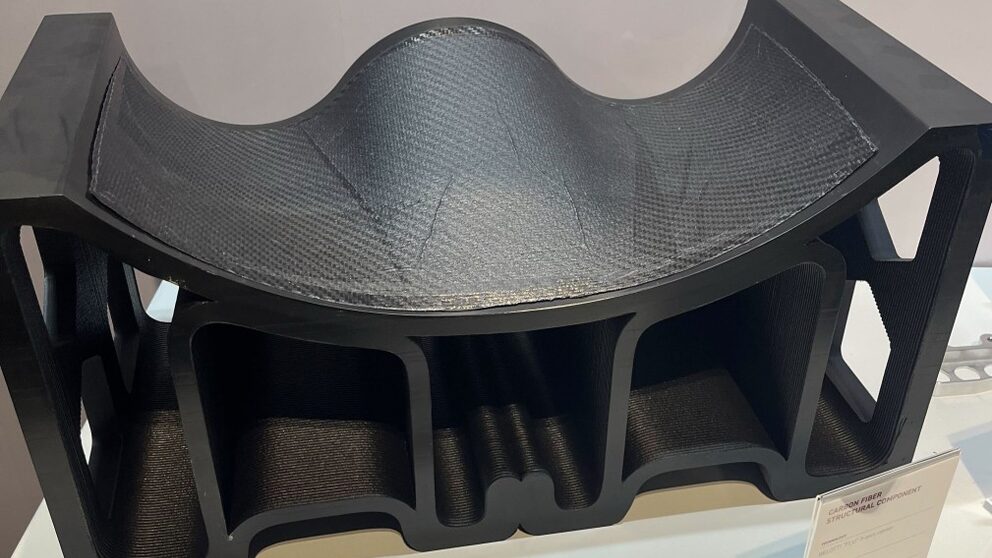
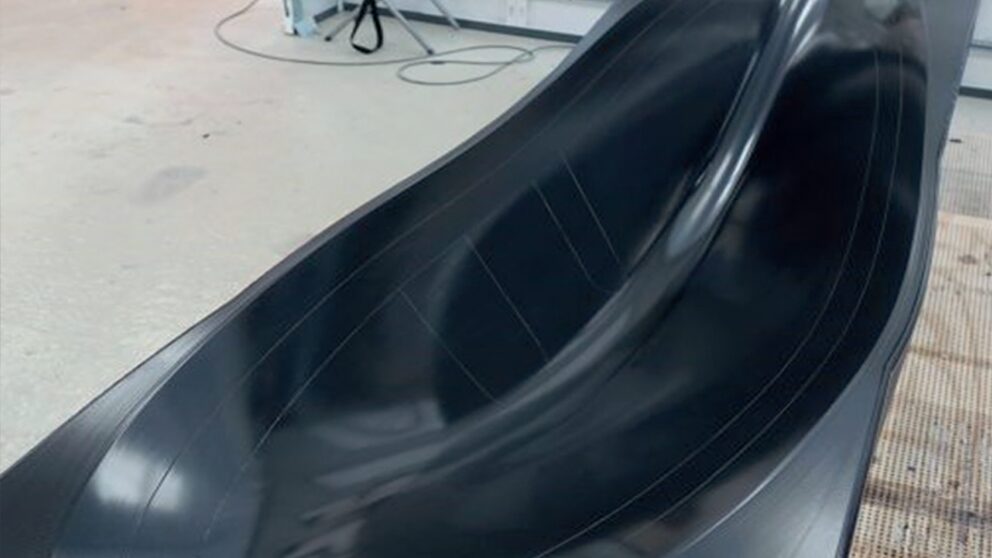
Software for LFAM polymer

Aibuild CAM generates toolpaths for large-format polymer additive manufacturing on robotic arms and gantries from any major vendor. Use it to make moulds and tooling, or finished parts. You build the workflow visually, check it in software before it reaches the machine, and reuse it on the next job.

In production moulds.

Below is a selection of in production moulds produced by Aibuild Mould Designer.

RC Drone Mould by Total Machining Solutions.
Boat Hull Mould by Impetus Sailing Team at Technical University of Munich.
Autoclave Mould by Belotti.
Aerospace Mould by Total Machining Solutions.

Tools that make large prints hold.

Adaptive walls and overhang analysis.

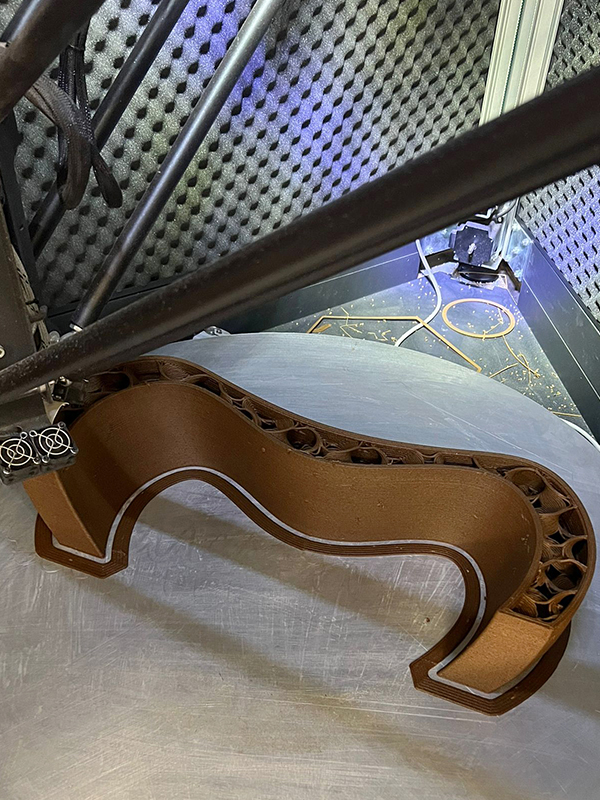
Wall thickness adapts across overhangs, and overhang analysis compares candidate print angles before the printer moves. In our own basin test, an adaptive outer wall held one continuous bead through an extreme overhang where a fixed wall split open. It took longer per layer.
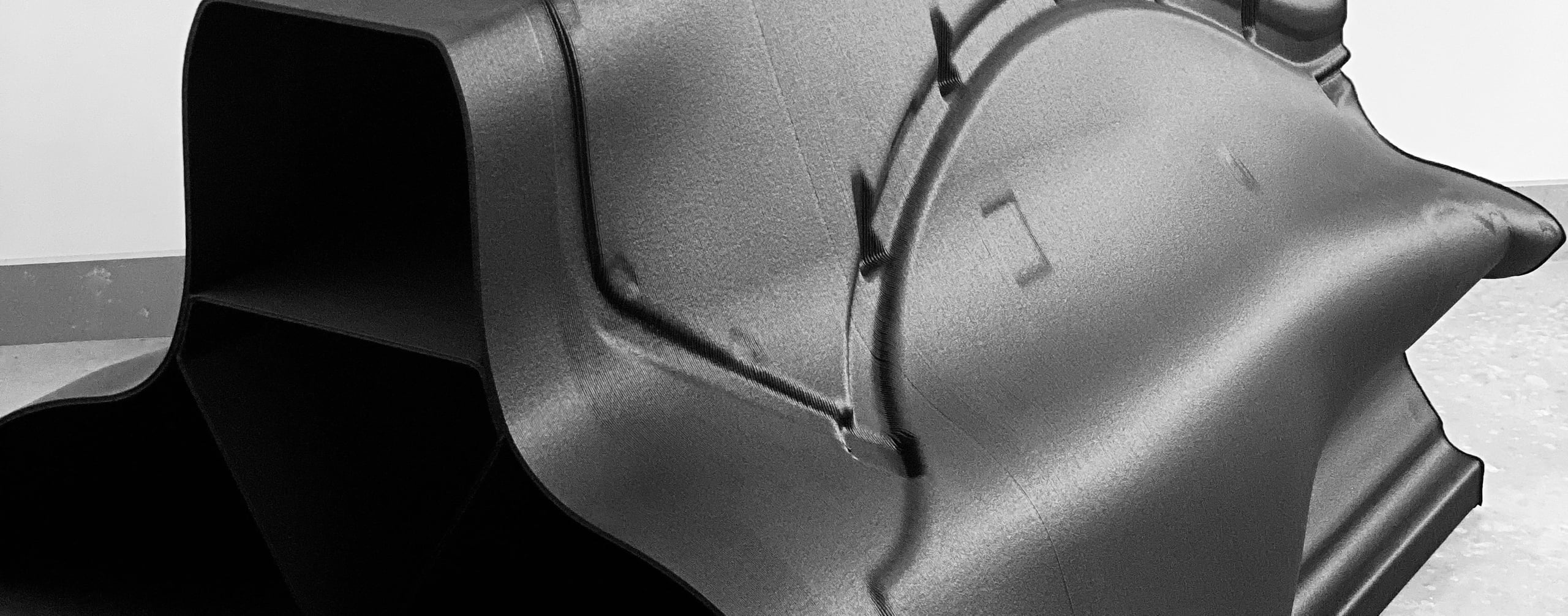
Single Line Extrusion.

Where a wall is too thin for two beads, it places one centred bead, and you set the maximum overlap. In our test, a 5.7 mm wall printed 100% solid, where a regular slice and the older setting left porosity.

Closing voids.

Curvature compensation and adaptive infill fill gaps at sharp corners and acute angles, and overlap analysis balances walls and infill.

Profiles.

Save the tool, nozzle, material and parameters that belong together, so one change reaches every workflow using it when you recompute.

The hardware you already run.

Robotic arms and gantries from any major vendor, with external axes.

Making moulds and tooling.

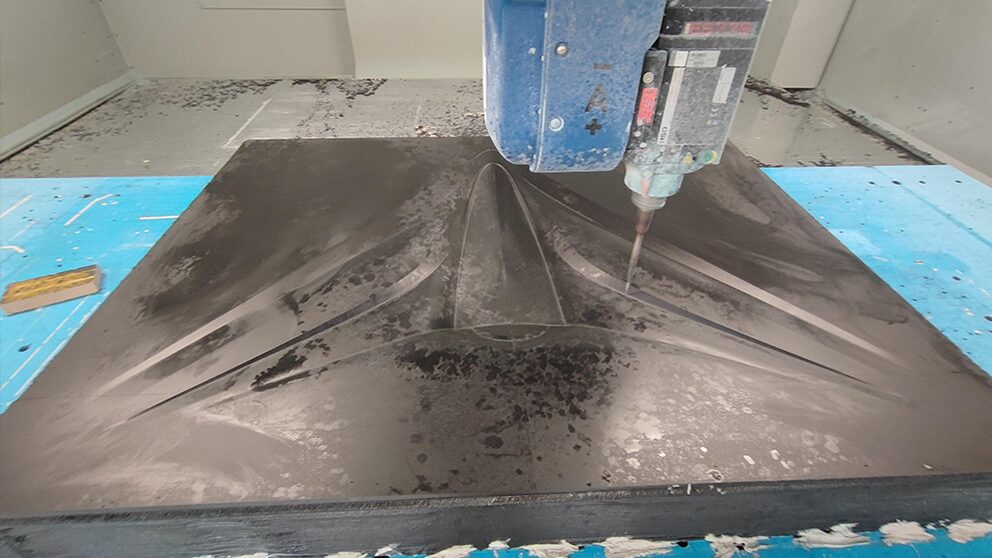
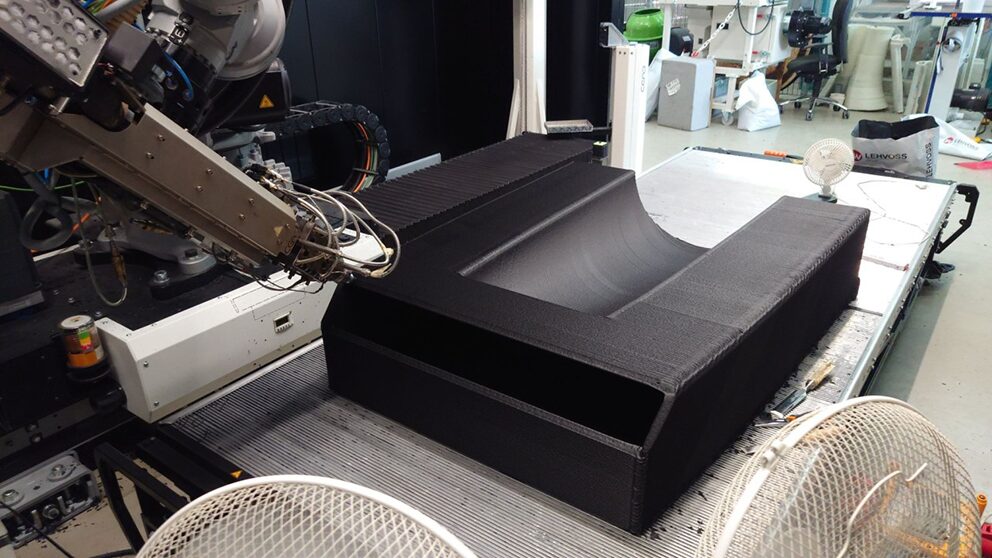
Mould Designer in Aibuild CAM generates a mould design from your part’s A-surface, so large-format tooling starts from the part, not a blank sheet.

Making moulds and tooling.

LFAM mould for motorsport

Mould from an A-surface.

Point Mould Designer at the A-surface and it generates the mould, including depth, walls and structure. Two modes cover everything from extreme overhangs to gap-filling walls.

Handling and stiffness built in.

Stiffeners, forklift pockets and lifting holes are added automatically.

Ribs where the mould carries load.

Place ribs under loads, at edges and around clamping points, using guide planes, surfaces or meshes.

Change the part, regenerate the mould.

Upload the new CAD and Mould Designer regenerates the mould.

Leave material to machine back.

Offset walls from an open surface such as a mould’s outer skin, then mill on the same machine.

Making big parts.

For finished parts, Aibuild CAM gives you control of the toolpath where large prints usually go wrong: continuity, seams and junctions.

Non-planar and multi-planar printing without support material.

Seam and path control.

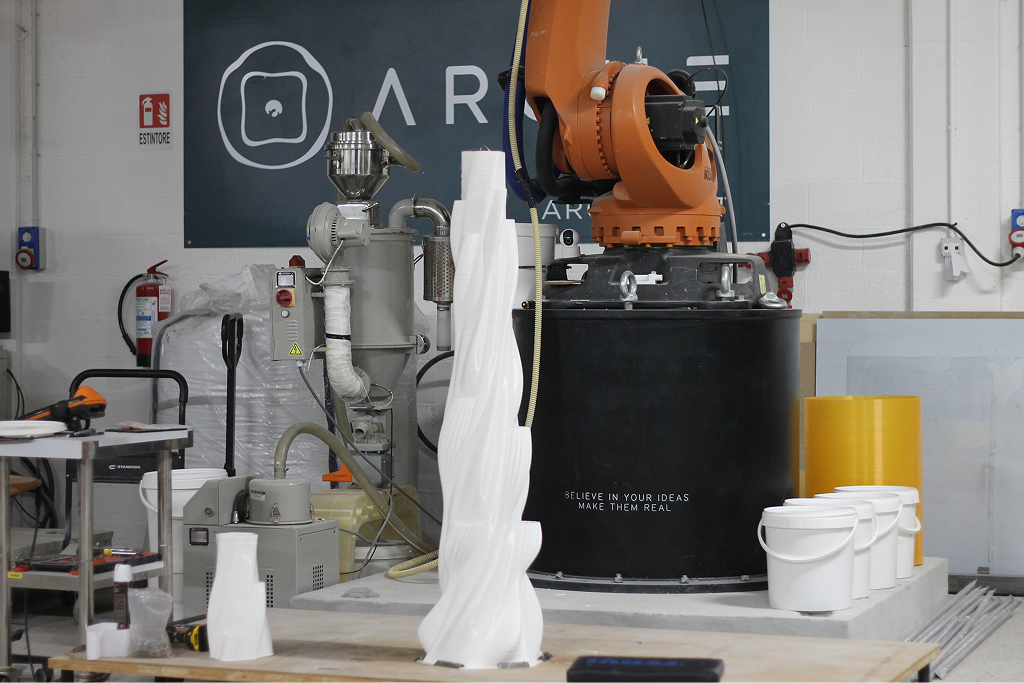
Arche 3D made a seam follow the spiral of a sculptural column, and printed an exhibition totem as one continuous extrusion line.

Junction tuning.

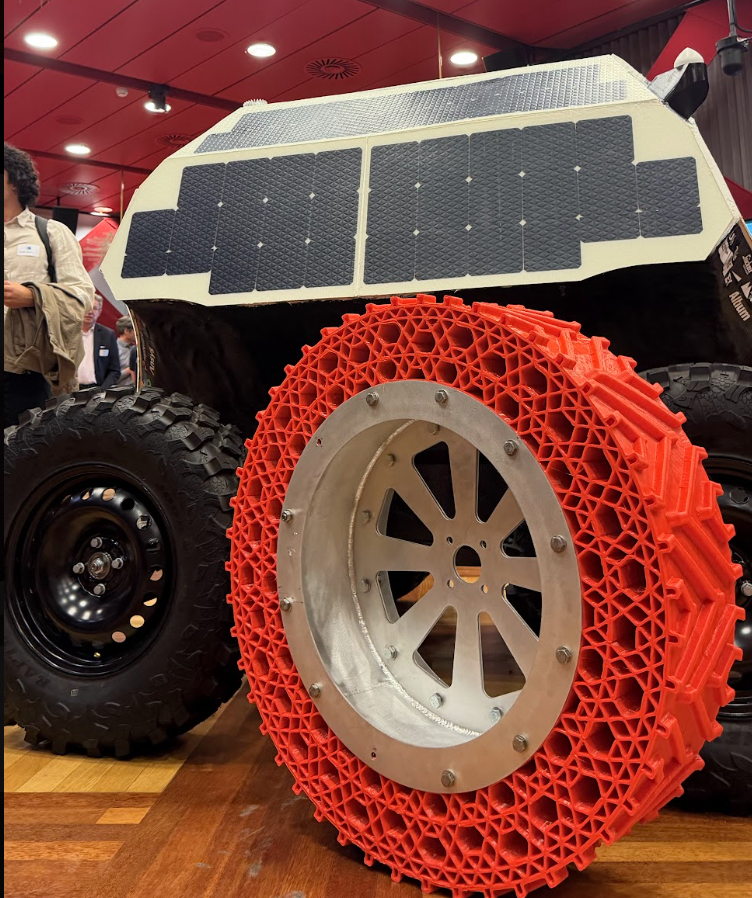
Holit adjusted extrusion, print speed and path behaviour locally at the junctions of an airless TPU tyre.

Analysis before production.

See and control the deposition strategy on screen first, so a problem is found before it costs material.

CAM printed parts.

Arche 3D printed two curved benches of about 12 metres each, in matching sections of around 1.6 metres, using around 700 kg of material in under three weeks. Holit printed TPU tyres 875 mm across and 27 kg for Team Polar’s Antarctic rover. The University of Ulsan printed an award-winning curved solar façade.

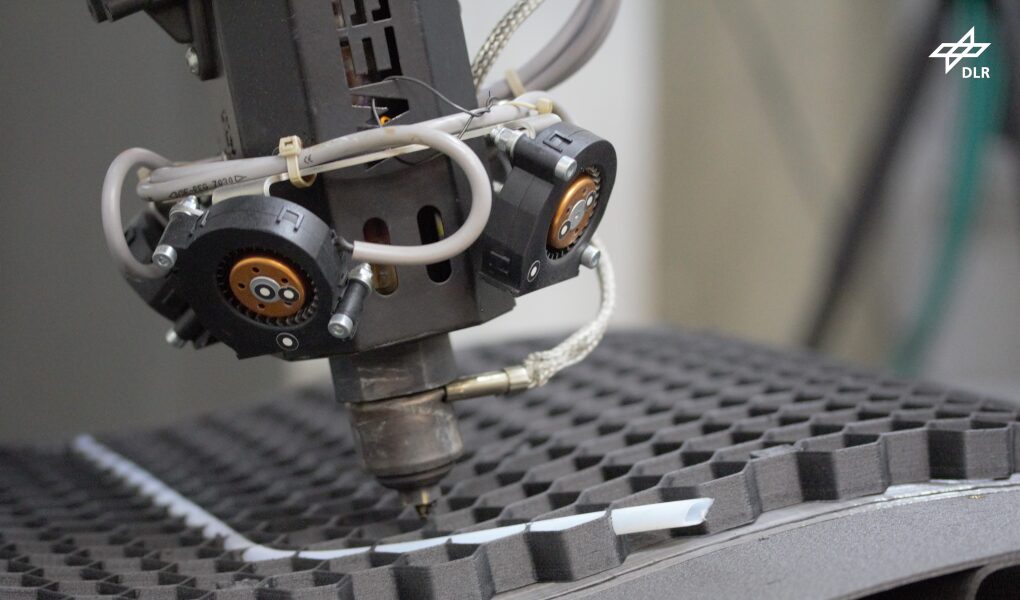
In-situ printing for aerospace at DLR.
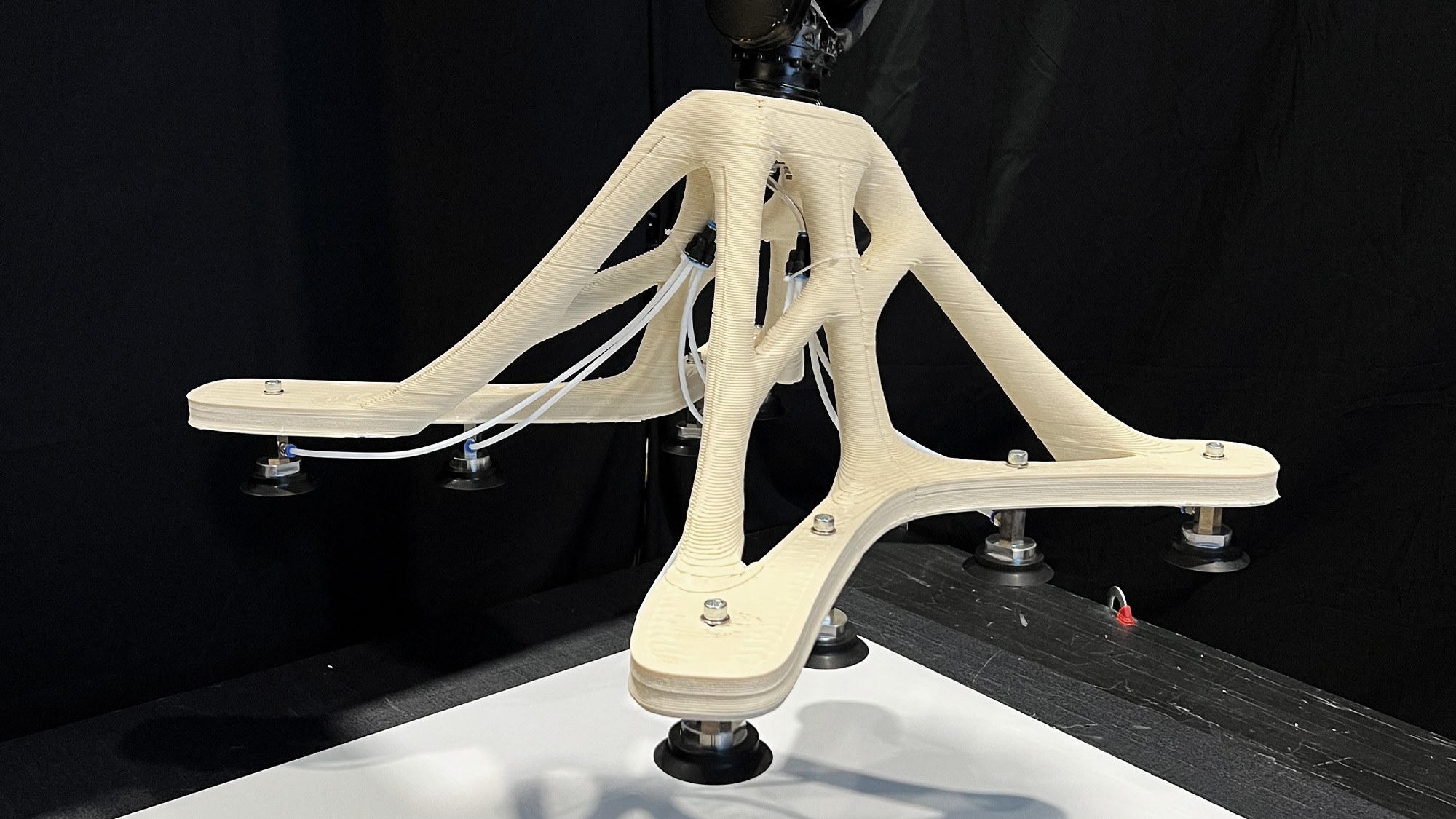
Printed vacuum gripper.
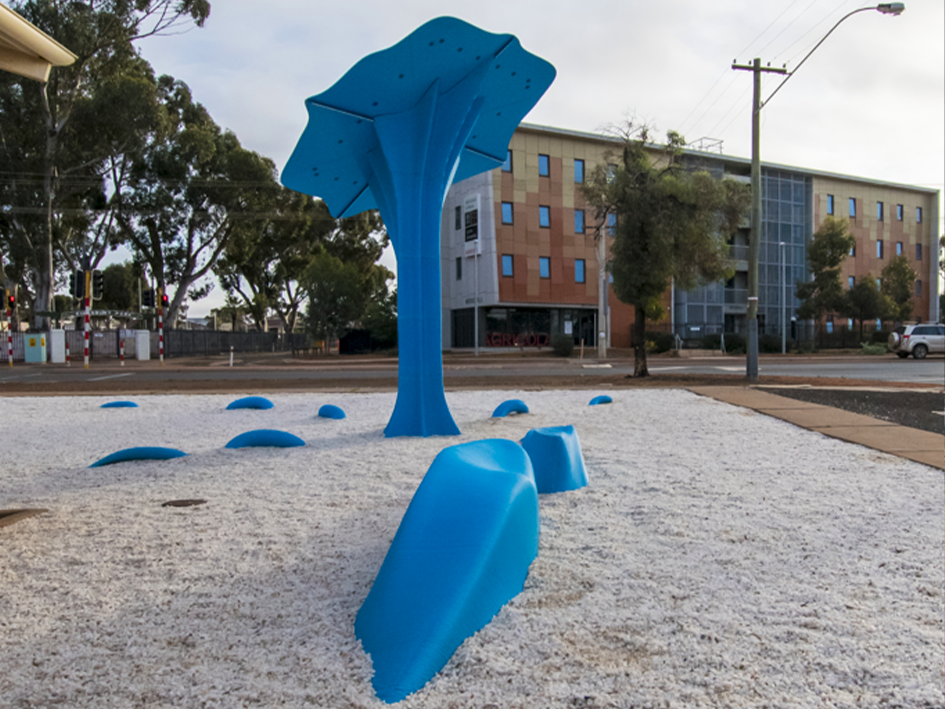
The Wending by Hyperion Systems.
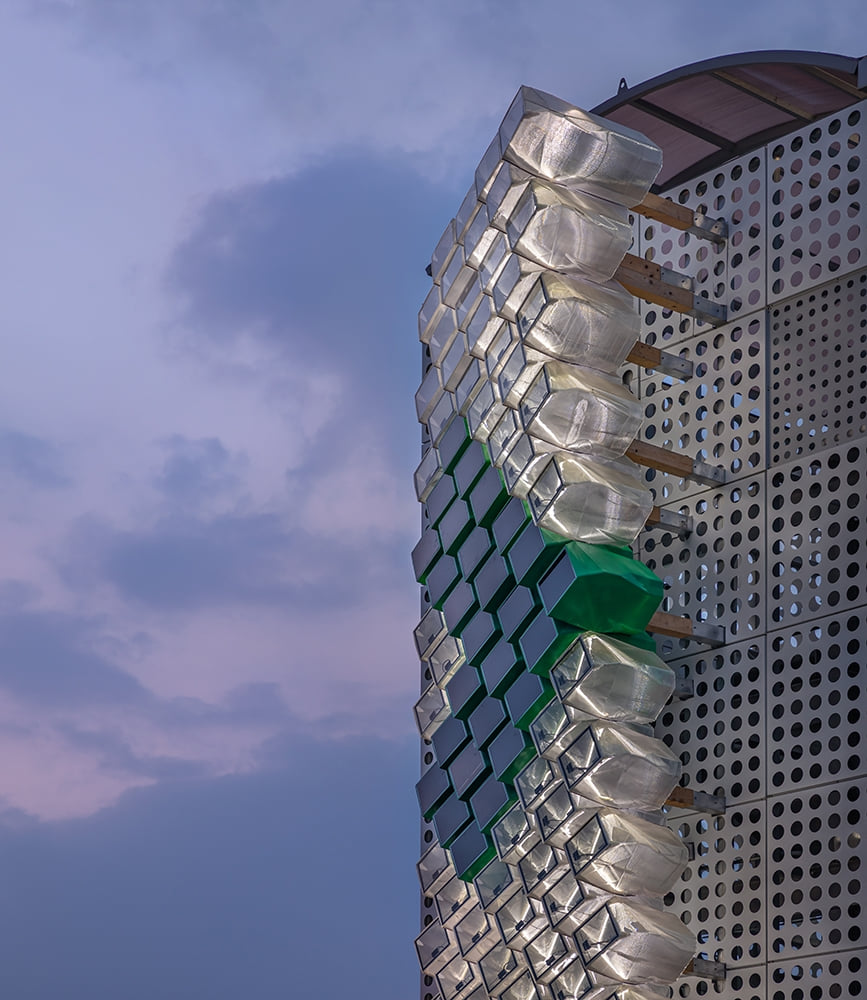
Award-winning solar façade by the University of Ulsan.
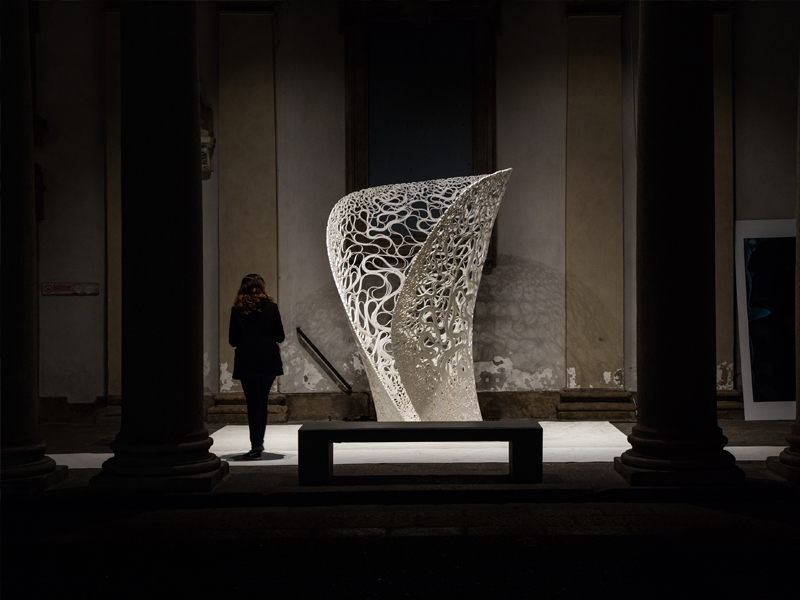
Thallus by Zaha Hadid Architects.
Airless TPU tyre by Holit for Team Polar’s Antarctic rover.
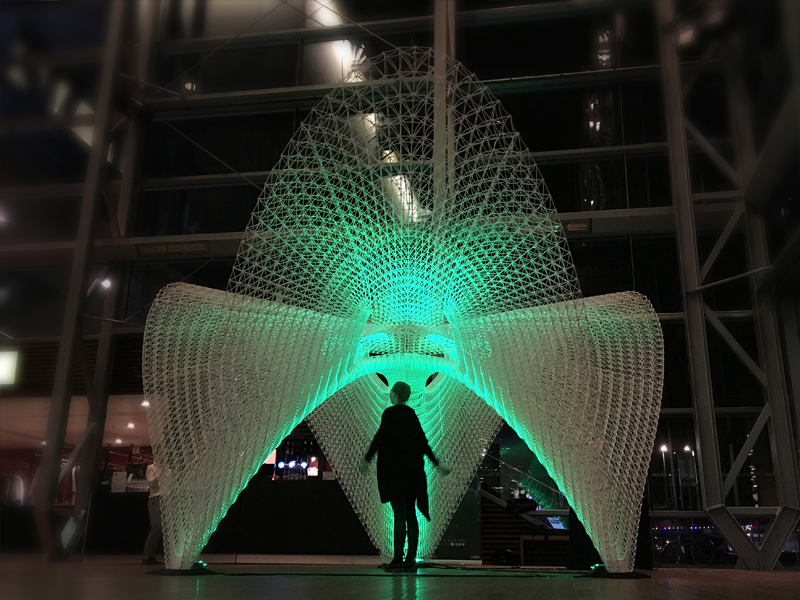
Daedalus Pavilion.
Daedalus Pavilion.
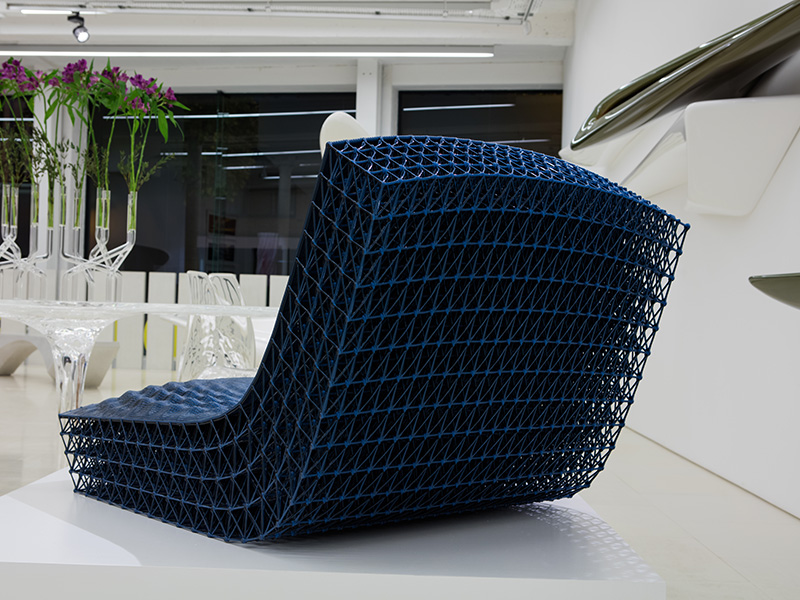
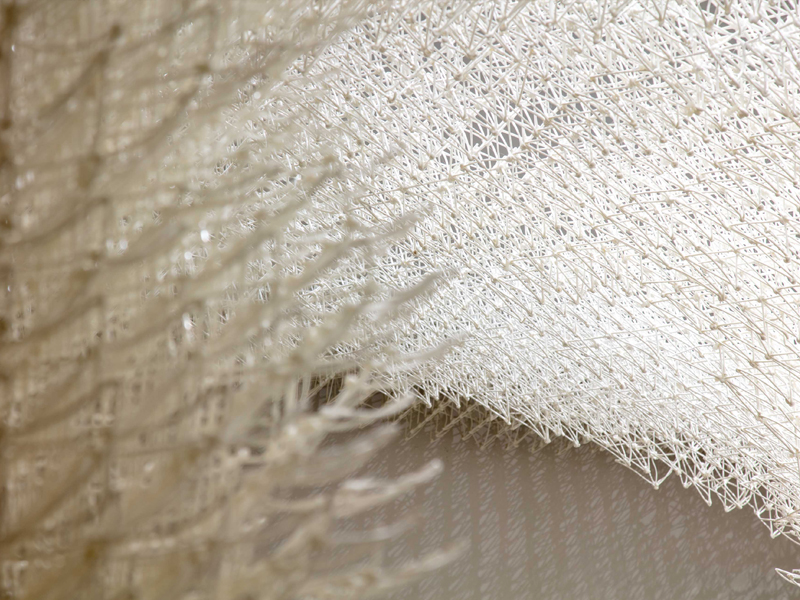
Lattice lounge chair.
HEMPLA meditation seat by Sofia Hagen and Studio Marmi.
Crystalline by Sofia Hagen, printed by MDT.
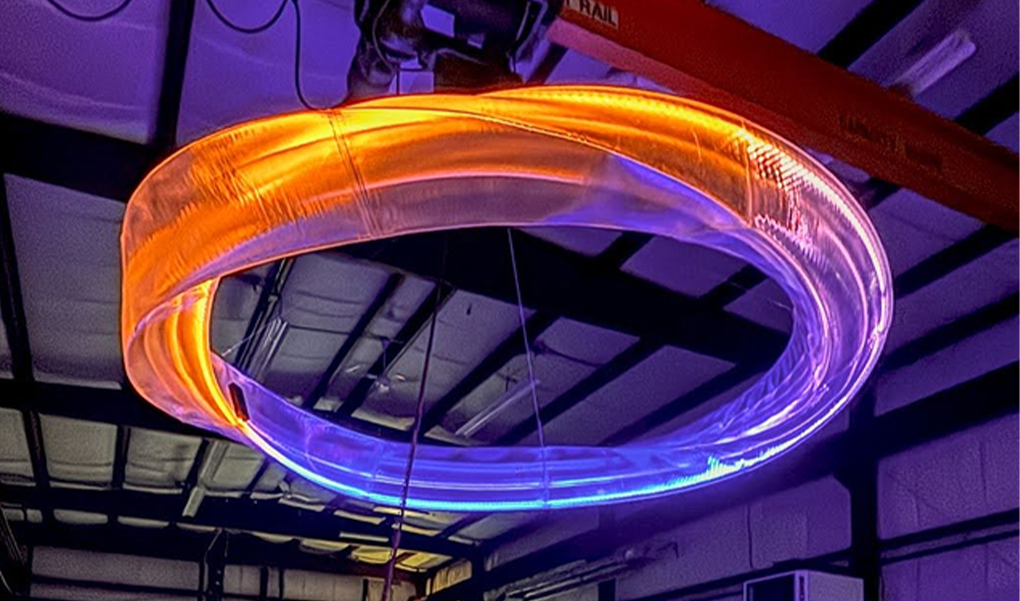
Light sculpture by New Bedford Research and Robotics.
Spiral column by Arche 3D.
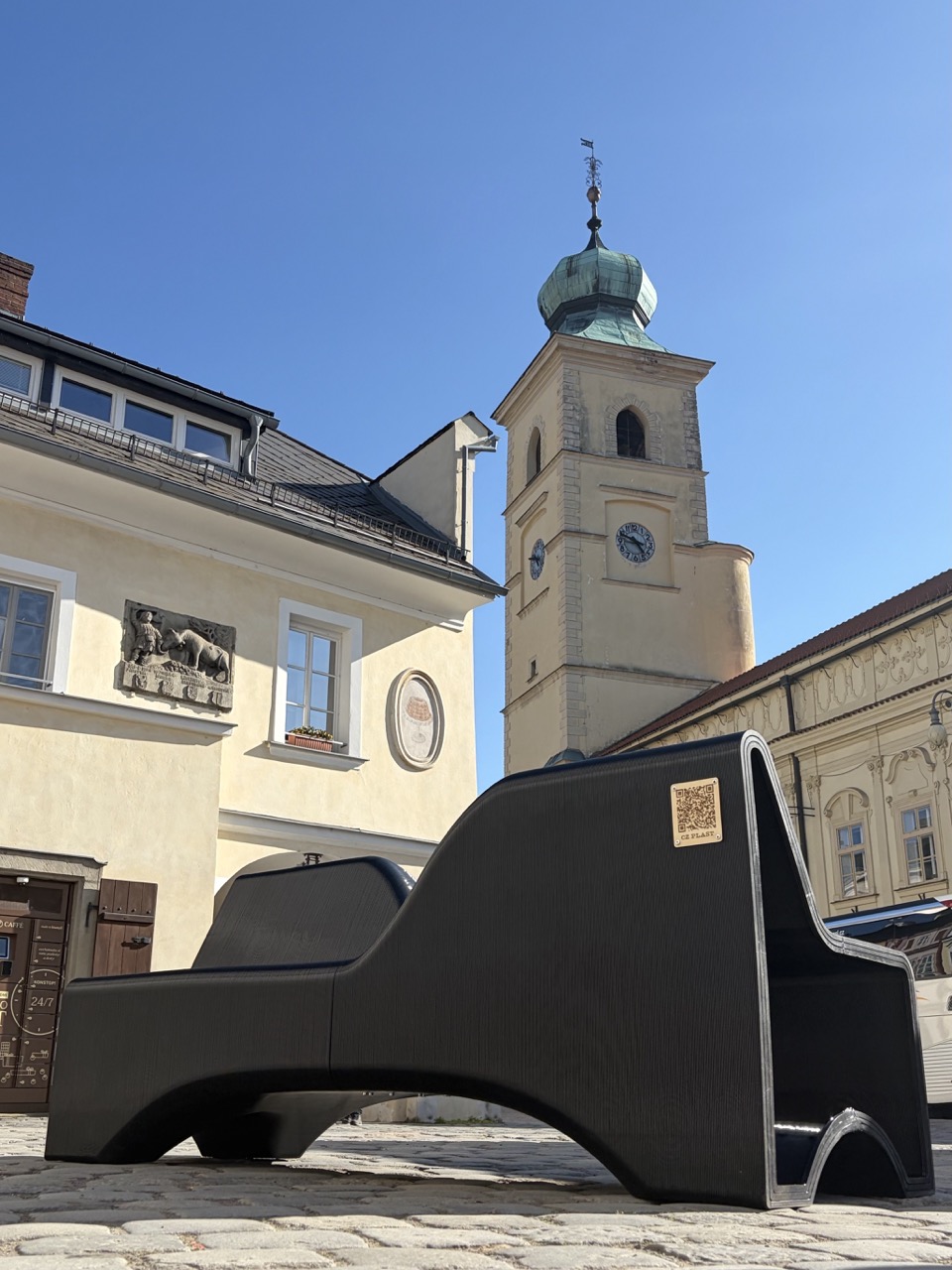
Public bench by CZ PLAST.
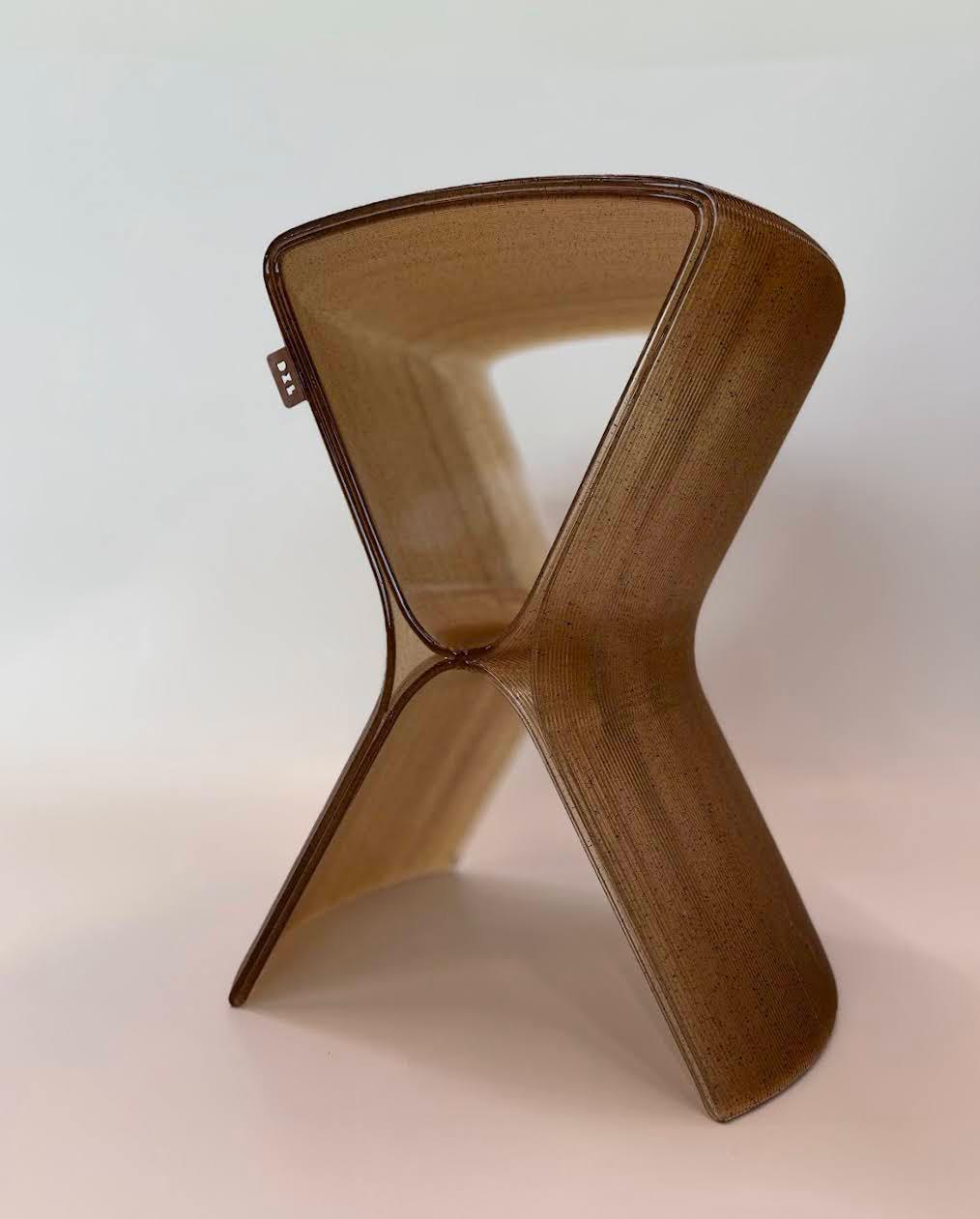
Chair printed from coffee waste by Dakacom.
Cloud Pergola.
Cloud Pergola.

Repeatable, checked and fast.

Repeatable workflows.

Build once and reuse on the next job. A workflow only changes when you choose to update it.

Checked before the machine.

Print analysis, collision detection and safety checks run in the software. Robot simulation highlights wrist singularities and axis limits.

Faster on large parts.

Some steps are now about 3 times faster and others more than 10 times, and the bigger the part, the bigger the gain.

Post-processors.

Built-in and custom, including temperature changes mid-print, and the AI agent can help write the code.

Run it from your own tools.

Aibuild CAM Cloud has an MCP server, so an AI agent or in-house script can create workflows, run computations and download toolpaths.

Aibuild OS included.

Aibuild CAM users also get access to Aibuild OS, agentic AI that operates CAD, CAE and CAM software.

Security and deployment.

Aibuild CAM runs on desktop for offline use, on-premise for enterprises, or cloud-connected for collaboration. Aibuild is ISO 27001 certified since 2023 and ITAR compliant.

FAQs

It generates a mould design automatically from a part’s A-surface, including mould depth, stiffeners, forklift pockets and lifting holes, and regenerates it when the part CAD changes.

Angular Mould Designer uses angular slicing for overhang-heavy geometries that would otherwise need redesign or heavy support. Classic Mould Designer uses staggered layers that offset the walls vertically to fill gaps and reduce porosity.

No. Upload the new CAD file and the mould design is regenerated with no manual adjustments.

Examples include an RC drone mould and an aerospace mould by Total Machining Solutions, a boat hull mould by the Impetus Sailing Team at the Technical University of Munich, and an autoclave mould by Belotti.

Aibuild CAM is hardware-agnostic and runs on robotic arms and gantries from any major vendor, with external axes. You generate the toolpath, then post-process for your controller with a built-in or custom post-processor.

Yes. Mould Designer in Aibuild CAM generates a mould design from your part’s A-surface, including depth, walls and structure. It adds stiffeners, forklift pockets and lifting holes automatically, and you generate the toolpath in the same software.

If the part changes, upload the new CAD and Mould Designer regenerates the mould automatically, so nothing is reworked by hand. Then generate the toolpath from the new mould and check it in the simulation before it goes to the machine.

Single Line Extrusion places one centred bead where a wall is too thin for two, and you set the maximum overlap. In our test, a 5.7 mm wall printed 100% solid, where a regular slice left porosity. Curvature compensation and adaptive infill also close gaps at sharp corners.

Aibuild CAM supports non-planar and multi-planar printing without support material. Overhang analysis compares candidate print angles before the printer moves, and adaptive walls hold a continuous bead through extreme overhangs. Adaptive walls can make layers take longer, so check the time trade-off for your part.

Yes. Aibuild CAM prints and machines the same part in one workflow, with collision checks against the workpiece. You can offset walls from an open surface, such as a mould’s outer skin, to leave material to machine back. Work coordinate systems support static beds and linear rails, not rotary tables or two-axis positioners.

Aibuild CAM generates toolpaths, so the material depends on your machine and extruder. Customers have printed PETG, glass-fibre PETG, ABS, TPU and PLA blends using Aibuild CAM.

Aibuild CAM runs print analysis, collision detection and safety checks in the software, and robot simulation highlights wrist singularities and axis limits. You can also ask the AI agent to review the toolpath. Your engineer should still check the machine program before it runs.

You can start with a free trial of Aibuild CAM, or talk to us about your build. Pick a mould or part you already print, and we can help you set up the first workflow.

Chat to the Aibuild CAM team.

Send us a part or an A-surface and we’ll show you the toolpath or the generated mould.